Auto-Categorize Bank Transactions in Excel With Rules
Turn a clean transaction export into categorized Excel data using rules, lookup formulas, and review flags that keep new merchant labels consistent.
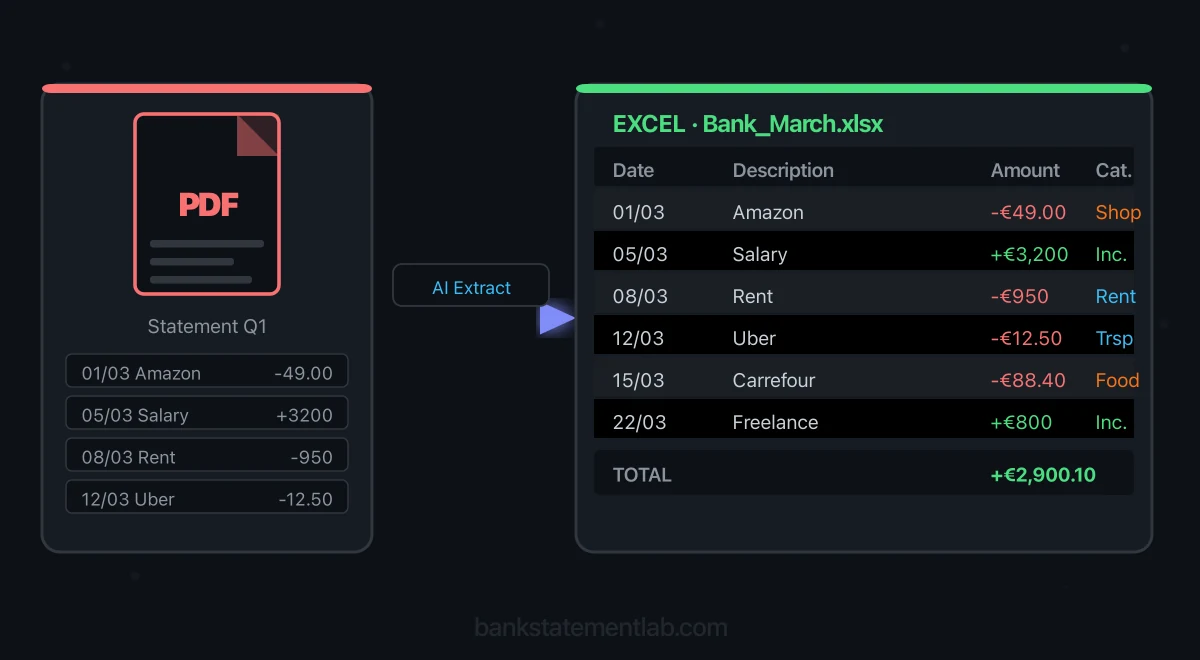
Upload a bank statement PDF, extract its transaction table to XLSX, and review dates, amounts, balances, and duplicates before using the data.
Read Article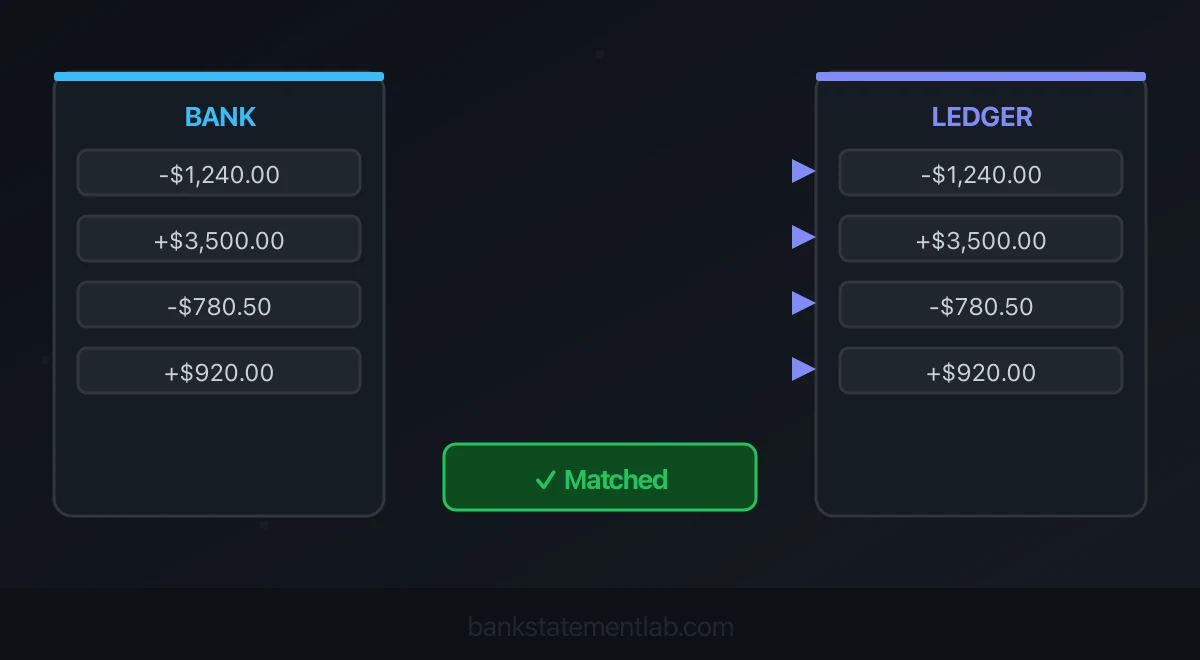
Compare bank statements with your ledger in BankStatementLab. Review proposed matches, validate in bulk and export an Excel, CSV or PDF report.
Read Article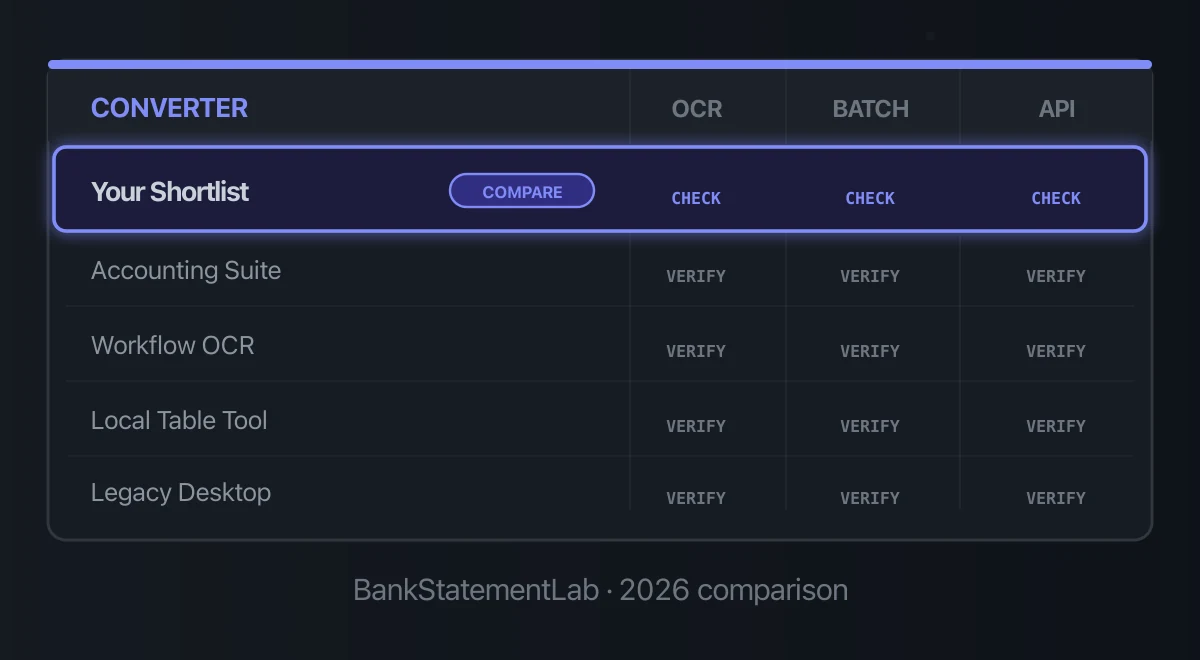
Compare six bank statement converters for Excel and CSV by extraction quality, pricing, review controls, format coverage, and batch workflow.
Read Article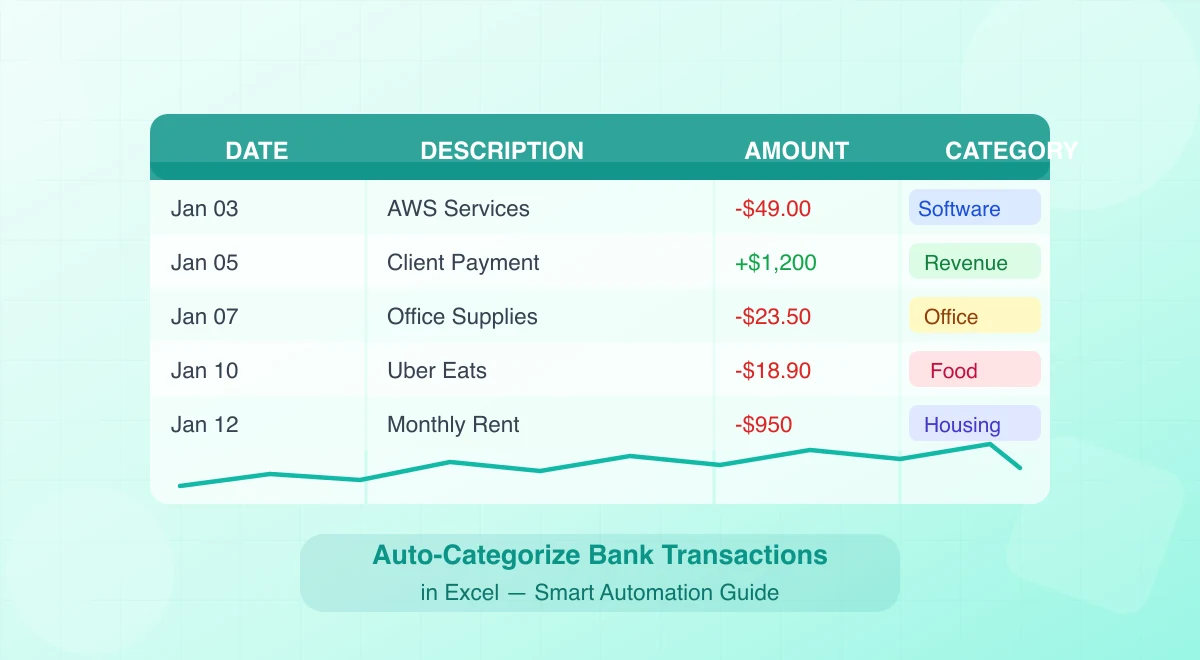
Turn a clean transaction export into categorized Excel data using rules, lookup formulas, and review flags that keep new merchant labels consistent.
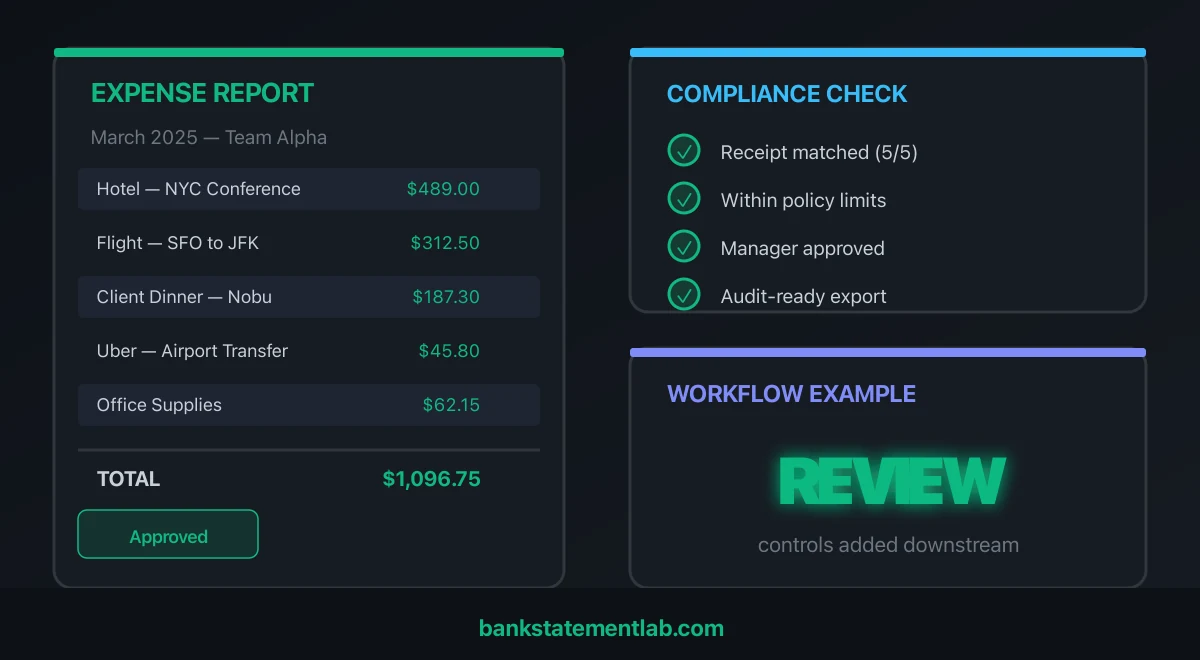
Extract statement rows, match receipts, apply policy and category rules, then route exceptions for review before reporting.
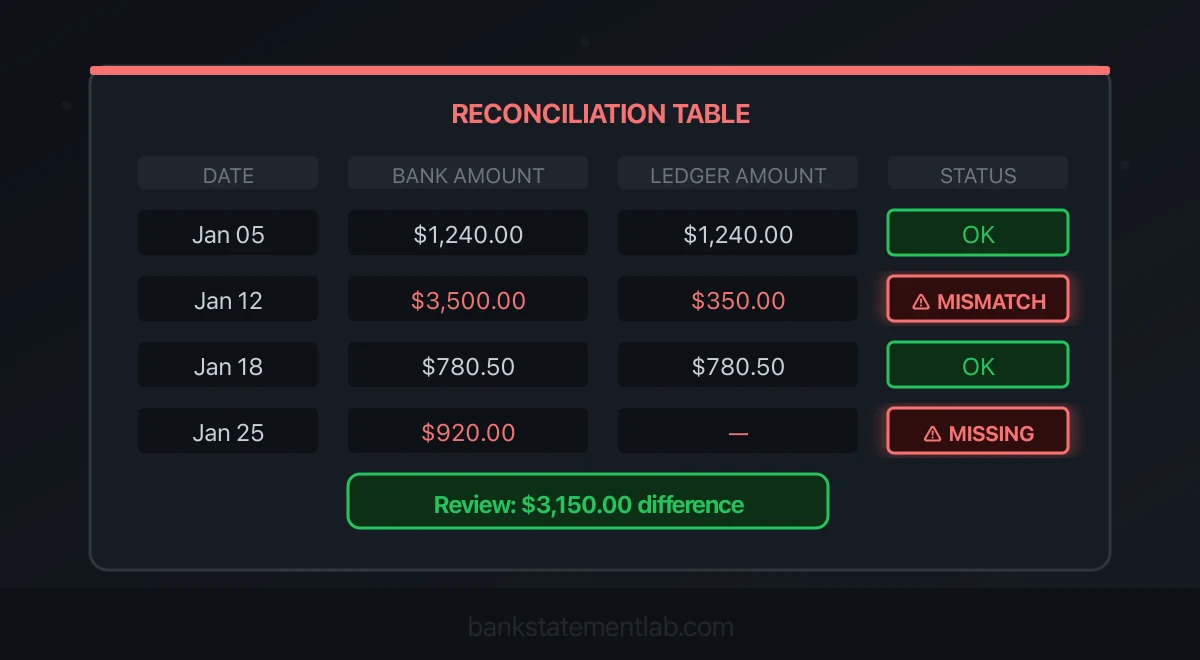
Find unmatched bank and ledger entries with BankStatementLab. Review errors, validate checked matches and export the full reconciliation report.
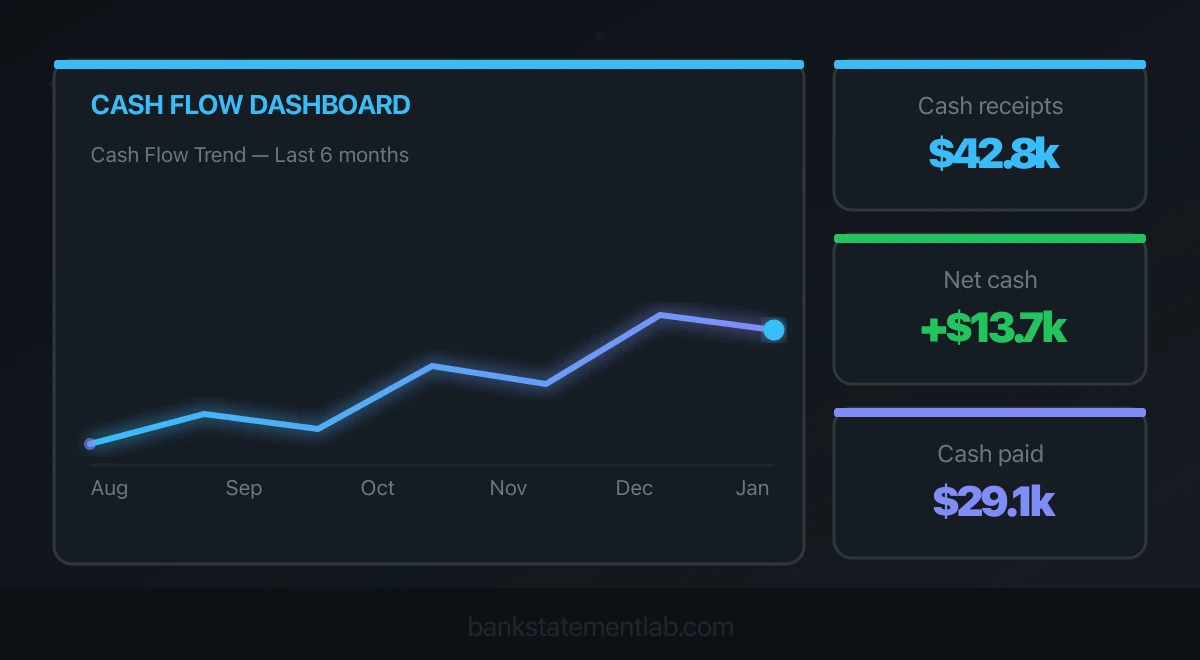
Analyze cash in and out, spot cash-flow patterns and anomalies, and prepare questions for your bookkeeper. Check findings against your accounting ledger.
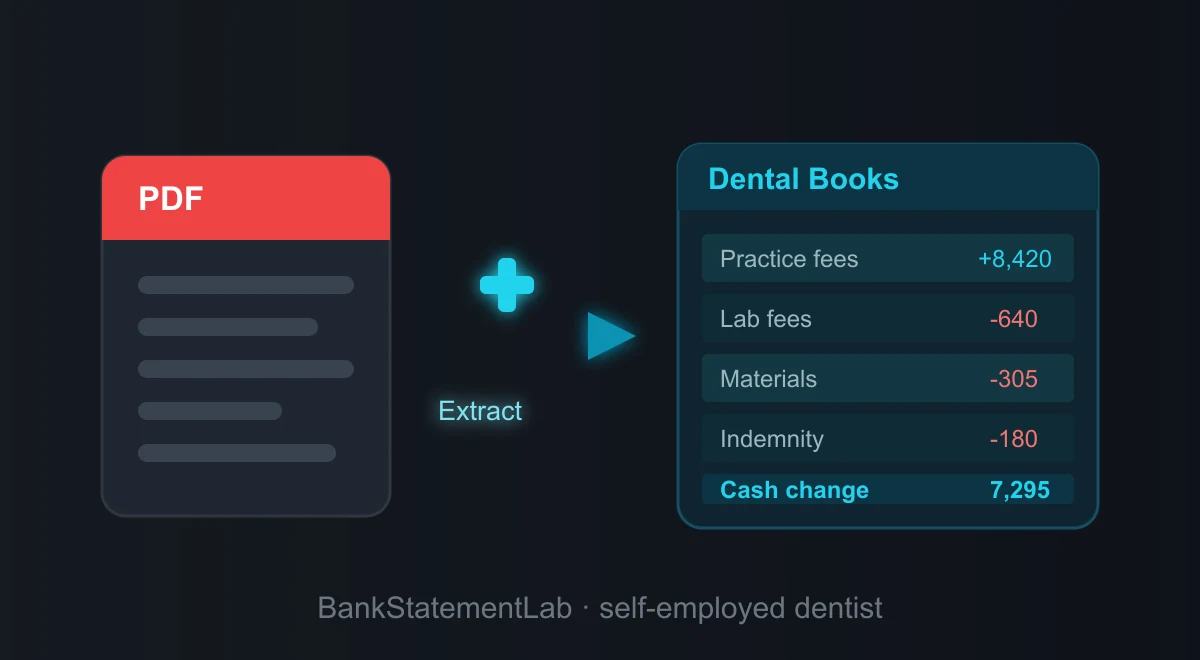
Convert dental practice PDF statements to Excel or CSV, then review patient income, lab fees, suppliers, and possible deductions by category.
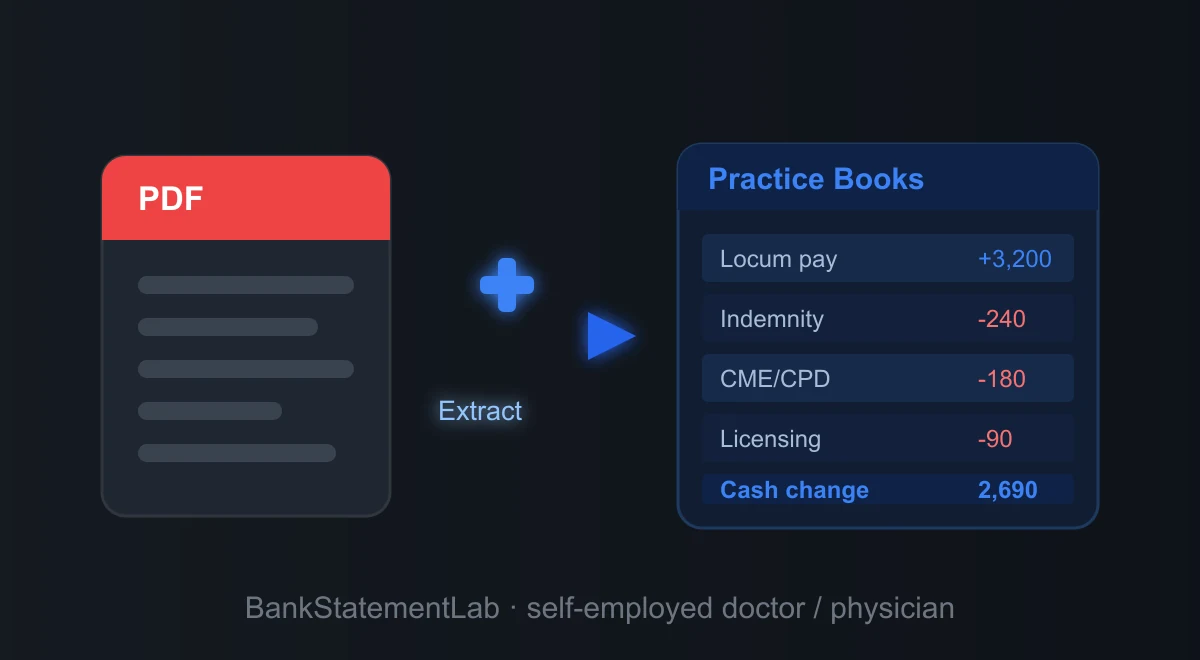
Convert medical practice PDF statements to Excel or CSV, then review locum income, clinical expenses, transfers, and possible tax categories.
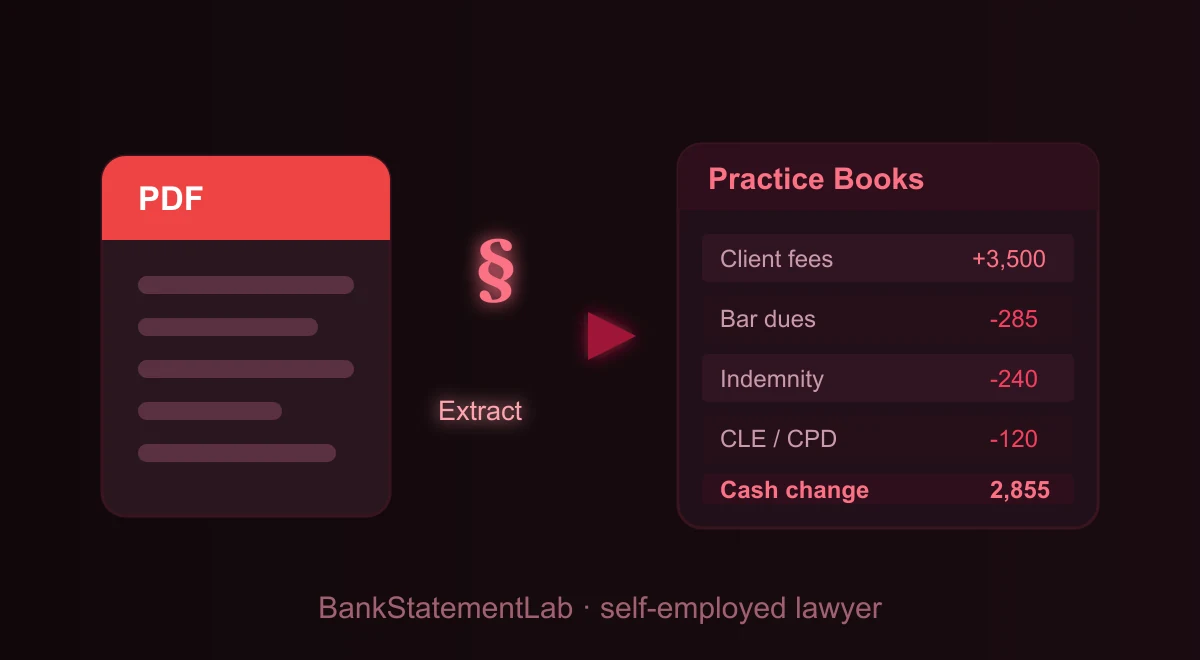
Convert law firm PDF statements to Excel or CSV, then review legal-fee income, client-account transfers, expenses, and bookkeeping categories.
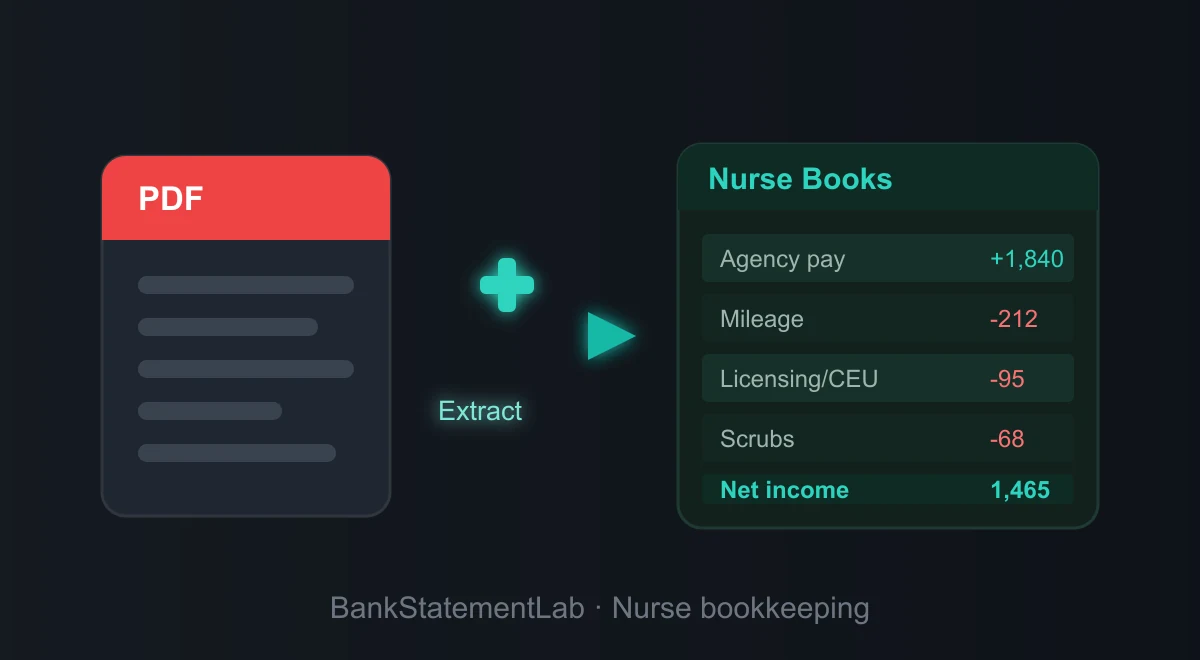
Convert nurse or contractor PDF statements to Excel or CSV, then review shift income, travel, training, supplies, and possible expense categories.
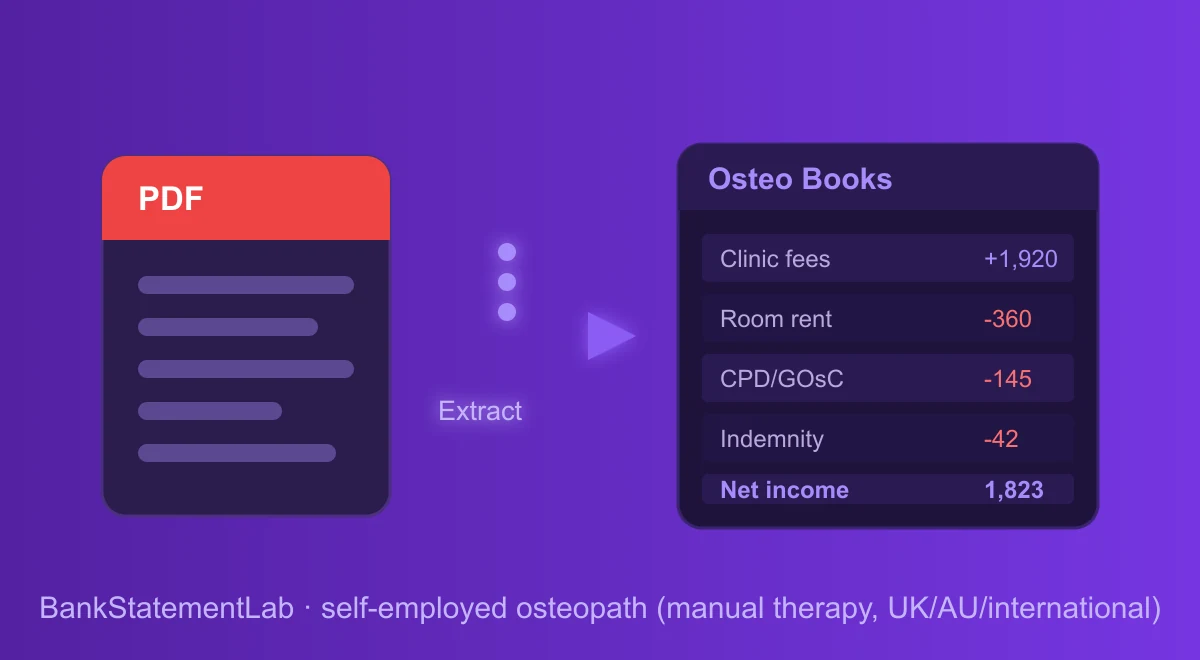
Convert osteopathy practice PDF statements to Excel or CSV, then review patient income, room costs, supplies, training, and expense categories.
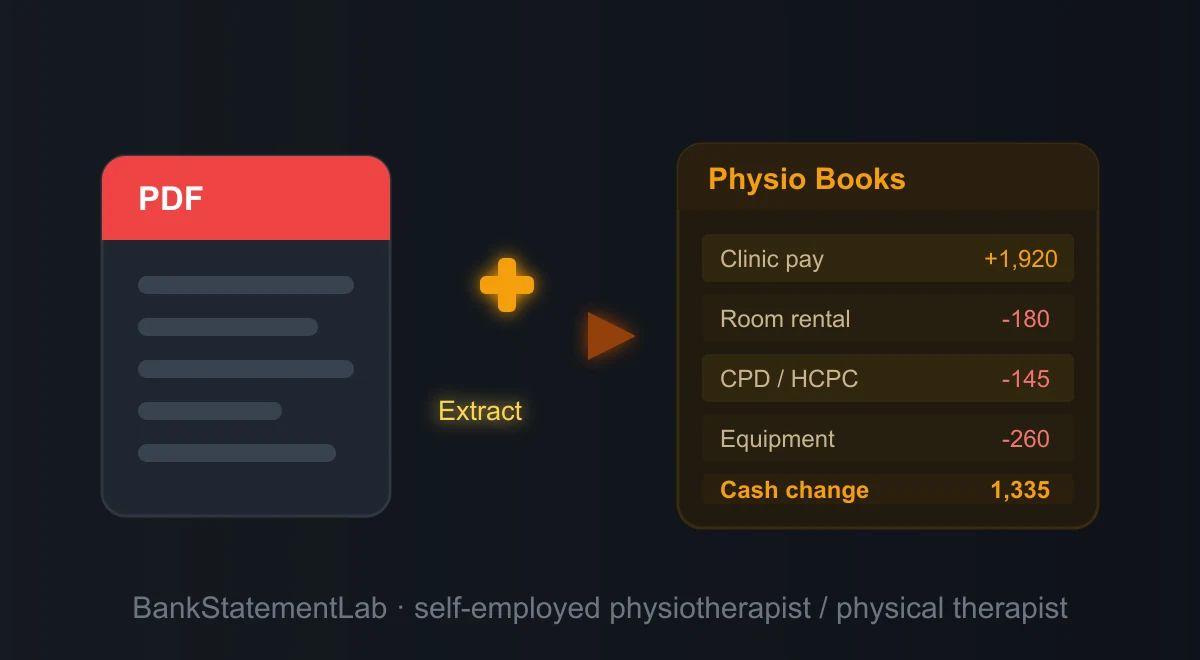
Convert physiotherapy PDF statements to Excel or CSV, then review patient income, clinic fees, equipment, travel, and bookkeeping categories.
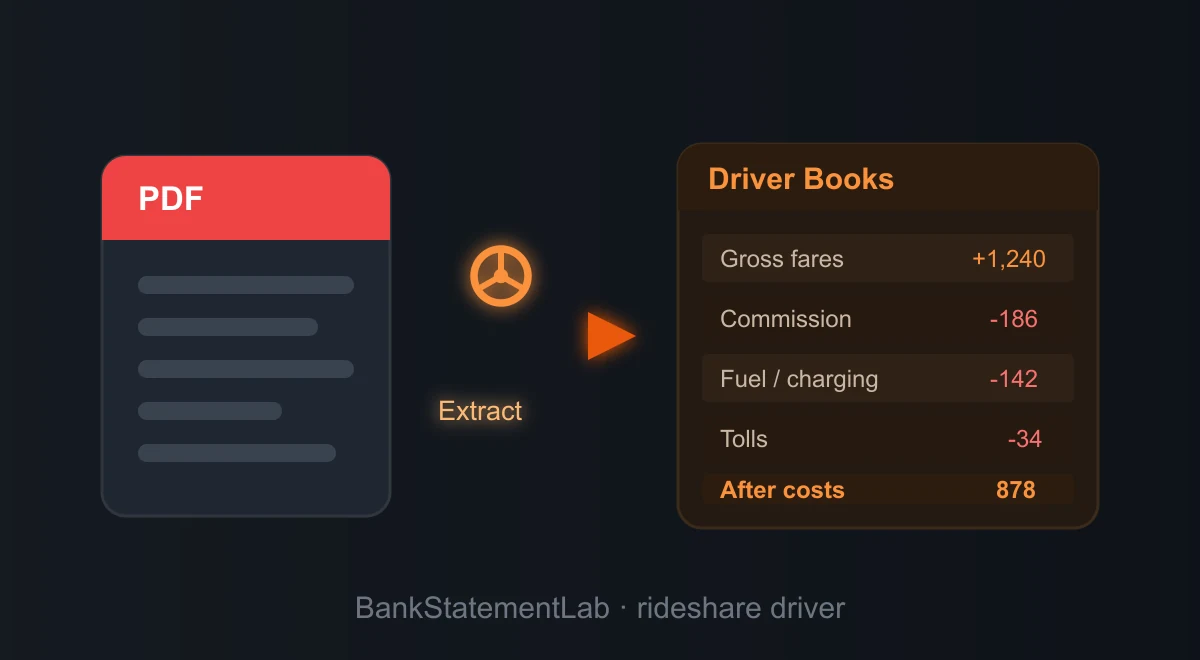
Convert rideshare PDF statements to Excel or CSV, then separate platform payouts, transfers, fuel, vehicle costs, and other expense categories.
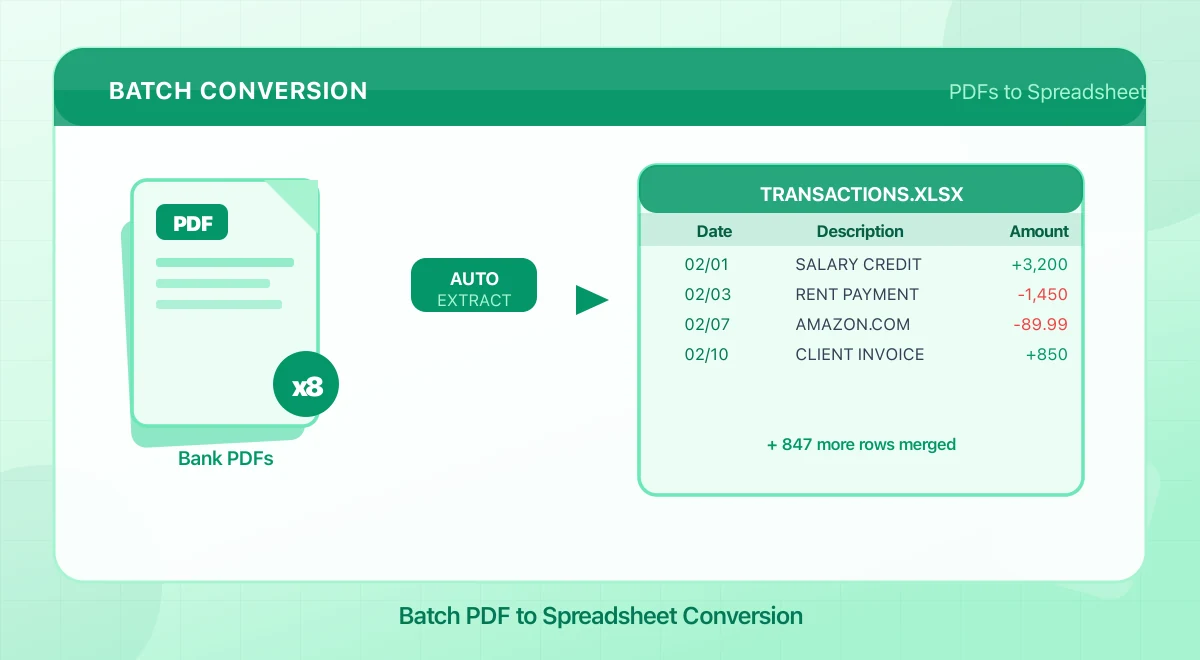
Upload multiple bank statement PDFs, combine their transactions in one Excel or CSV file, and review dates, balances, and duplicates before export.
Reconstruct income and expenses from statement data, categorize transactions, reconcile balances, and flag entries that still need source documents.
Prepare business statements that clearly show revenue patterns, cash flow, debt payments, overdrafts, reserves, and explanations for unusual deposits.
Extract PDF transactions, normalize merchant names, apply automatic category rules, and review exceptions in Excel or CSV before reporting.
Import structured bank data, assign labels with lookup formulas, and build a PivotTable that summarizes spending by category, account, and month.
Review extracted statement transactions, add the required account details, generate OFX 1.6 SGML, and test the file in the exact destination.
Extract statement transactions, map date, amount, and description columns, validate totals, then import the reviewed CSV into Xero without a bank feed.
Extract transactions from Chase PDF statements, check dates, amounts, and balances, then map the reviewed CSV for import into QuickBooks Online.
Convert transactions to a spreadsheet, categorize cash movements, reconcile totals, and identify non-cash adjustments before drafting a P&L.
Convert PDF statements to reviewed CSV, map the required columns, then import them manually into QuickBooks Online or Xero when no bank feed exists.
Convert legal-account transactions to a spreadsheet, separate VAT-bearing fees from exempt items, and reconcile the quarter against source records.
Review client statement transactions, verify account details and balances, generate one OFX file per table, and run a controlled test import.
Compare OFX, QIF, and CSV for field structure, account metadata, import compatibility, editing, duplicate control, and workflow traceability.
Sort statements by account and period, link transactions to receipts, record explanations, reconcile totals, and keep a secure source-file archive.
Gather complete periods, convert transaction data to Excel or CSV, label every account, reconcile totals, and keep source PDFs for your accountant.
Explain net card payouts, compare settlement entries with bank deposits in BankStatementLab, and export your reviewed reconciliation report.
Match card payments to bank-account entries in BankStatementLab, keep purchases separate and export a reviewed reconciliation report.
Compare insurer deposits with payment-level ledger entries in BankStatementLab. Review exceptions and export a report while keeping claim checks separate.
Use bank payouts alongside platform statements to reconcile gross fares, tips, commissions, other fees, and net deposits before reporting income.
Export statement data to a spreadsheet, classify each transaction, document mixed-use costs, and review uncertain items before bookkeeping or tax filing.
Extract and categorize statement transactions, reconcile opening and closing balances, then chart monthly cash inflows, outflows, and net movement.
Track dental lab payments, match invoices to case revenue, and calculate contribution after lab costs without confusing bank deposits with production.
Find recurring subscriptions across bank and card statements, identify unclear merchants, calculate annual costs, and decide what to cancel.
See how lenders may assess income deposits, overdrafts, recurring debts, transfers, cash reserves, and unexplained transactions on your statements.
Prepare complete mortgage bank statements, confirm the required period, explain unusual transactions, and avoid missing pages before submission.
See how shifting layouts, wrapped descriptions, scanned pages, and locale formats break fixed parsers—and which extraction checks catch failures.
Present self-employed income with complete statements, supporting records, and clear explanations while redacting details the landlord does not need.
Prepare Schengen visa bank statements that show account ownership, the required period, available funds, and consistent transaction history.
Confirm the consulate rules, then prepare complete statements showing ownership, the required period, funds, and explainable transaction history.
ChatGPT vs BankStatementLab for bank-statement PDFs: compare scans, missing rows, review effort, privacy and structured Excel exports.
Download SBI, HDFC and ICICI statements, check bank-documented PDF password rules, and find the instructions for WhatsApp or Excel files.
Review categorized transactions for possible business expenses, collect supporting records, and confirm each deduction under the tax rules where you file.
Compare retention needs for taxes, loans, benefits, and disputes, then digitize statements securely and follow the rules that apply in your jurisdiction.
Match bank statement retention to tax, accounting, loan, and dispute deadlines, then store complete digital copies securely and document deletion dates.
Assess any bank statement converter by its encryption, retention, deletion, access controls, AI subprocessors, company identity, and privacy terms.
Use statement patterns to spot shrinking cash buffers, repeated overdrafts, delayed receipts, rising fixed outflows, and volatile ending balances.
Find your bank's password pattern, unlock your own statement safely, then extract reviewed transactions to Excel or CSV while preserving the original.
Organize identity, employment, income, bank, tax, housing, and insurance records for onboarding or relocation, with a secure handoff checklist.
Use a password you already know to create an unlocked PDF copy in your browser, verify the result, and keep the source document on your device.
Encrypt a sensitive PDF in your browser with AES-256, choose a strong password, verify the protected copy, and share the password separately.
Choose pages or custom ranges, split the PDF in your browser, download each result or a ZIP, and keep the original document on your device.
Find the right path
Choose an output format, open a guide for your US or UK bank, or prepare the extracted transactions for an accounting workflow.
Start with the output you need, or read the detailed conversion guides before uploading a statement.
Use a bank-specific guide for statement layouts, download paths, and extraction pitfalls in the United States.
Find GBP, UK date-format, payment-code, and statement-layout guidance for major British banks.
Prepare extracted transactions for reconciliation, bookkeeping, categorisation, and accounting software.
Join thousands of professionals who save hours every month.