Try with your file
Drop your bank statement (PDF)
1 file · 100 pages max · Free preview of 2 pages
1 file selected
Save hours every week
Turn your bank statements (PDF) into Excel, CSV or OFX, without manual retyping.
Drop a PDF statement and watch the extraction happen live. Instant preview, no signup required.
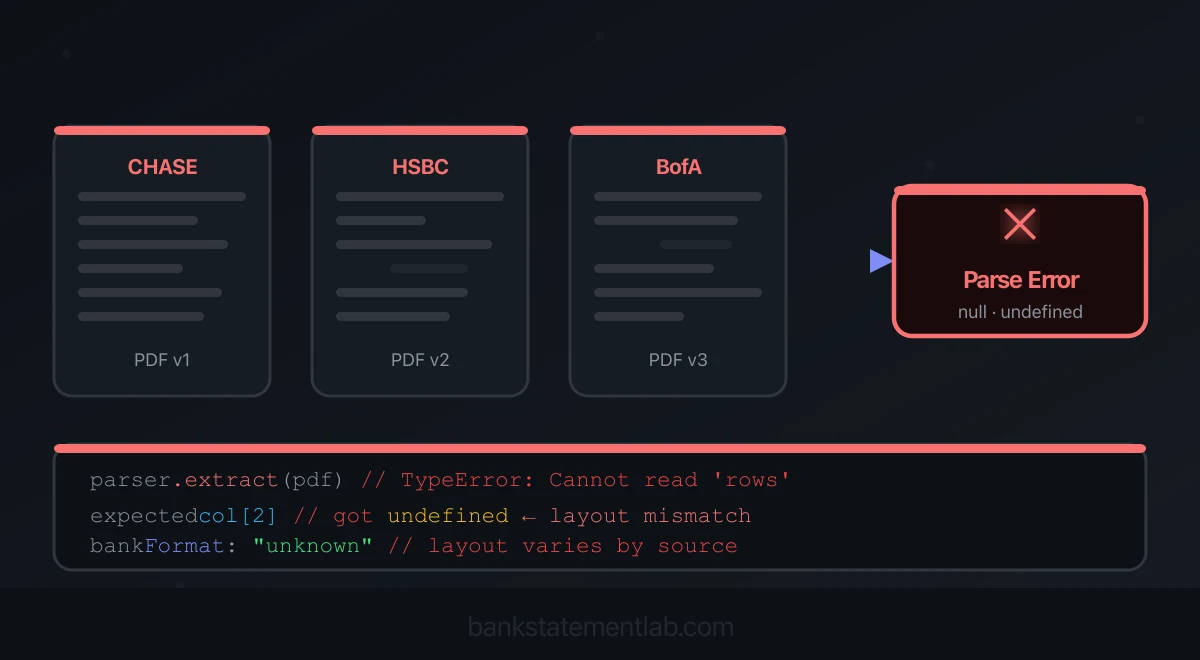
A bank-statement parser often fails across banks because a PDF preserves how a page looks, not a universal transaction-table schema. Two statements that appear similar to a person can contain completely different text objects, reading orders, fonts, images, and security settings. Banks can also change a template without preserving the assumptions in your parser.
Start by identifying the failure: missing text, wrong reading order, shifted columns, split descriptions, or an incomplete page range. Each needs a different remedy. The pipeline below is an engineering design checklist; it is not a claim that BankStatementLab implements every recommended control.

Why the PDF Format Varies
There is no universal PDF layout contract that requires every bank to expose Date, Description, Debit, Credit, and Balance in the same order or as semantic table cells. A statement can be produced by a modern reporting service, a legacy print pipeline, a scanned archive, or a combination of systems.
Variation appears at several layers:
- Business schema: one signed Amount column versus separate Debit and Credit columns; transaction date versus value date; optional running balance; one or several currencies.
- Page layout: different column positions, repeated headers, multi-line descriptions, side panels, footers, or tables continued across pages.
- PDF internals: text positioned as individual glyphs, custom font encodings, unexpected reading order, vector lines, or a whole page stored as an image.
- Locale: day/month order, decimal and thousands separators, currency placement, language, and right-to-left text.
- Document state: native digital PDF, scan, hybrid page, rotated page, damaged file, or password protection.
ISO 20022 and bank download formats can provide structured transaction messages, but that does not make a customer-facing PDF a standardized data file. If a native CSV, OFX, QIF, CAMT, or other suitable bank export exists, use it before parsing a PDF.
Classify Before Extracting
A useful first pass identifies the document path rather than guessing from the filename.
| Document type | Typical evidence | Extraction route |
|---|---|---|
| Native text PDF | Readable text objects with usable coordinates and character mapping | Text and layout extraction |
| Image-only scan | Rendered page contains content but the PDF exposes no meaningful text layer | OCR or visual document analysis |
| Hybrid PDF | Some pages or regions contain text while others are images | Combine text and image paths, then deduplicate |
| Protected PDF | Opening, copying, or parsing requires credentials or is blocked | Reject or unlock locally before processing |
| Damaged or unsupported file | Parser or renderer reports structural errors | Stop and request a new source |
Text selection in a viewer is a helpful clue, not a sufficient test. A PDF can expose selectable text in the wrong reading order, or map visible characters through a font encoding that produces unusable strings. File size is also unreliable: compression, embedded fonts, and image resolution can make either type large or small.
Adobe’s official OCR documentation explains that a scanned PDF initially contains image data rather than searchable text. OCR adds a text layer, but the recognized characters and their reading order still need validation.
Diagnose the failed output before changing the parser
| Observed result | First check | Corrective direction |
|---|---|---|
| Zero text but the page looks readable | Whether the page is an image | Use OCR or visual extraction |
| Text exists but columns run together | Coordinates, reading order and missing column boundaries | Recover the table layout before parsing amounts |
| Fewer transactions after a page break | Wrapped descriptions, repeated headers and the next page’s first row | Compare both pages against the source |
| Values look plausible but totals disagree | Signs, decimal locale, missing pages and balance rows | Locate the first discrepancy; do not insert a balancing row |
| Two identical-looking rows | Original statement and page overlap | Remove only a proven extraction duplicate |
The pypdf text-extraction documentation explains why text extraction cannot reliably infer semantic tables from arbitrary PDF positioning and why image-only content needs a separate OCR path.
Why Coordinate and Regex Parsers Break
A template parser usually combines:
- anchor strings such as “Opening balance” or “Transaction date”;
- page coordinates defining a table region;
- grouping rules for text objects on the same visual line;
- regular expressions for dates and amounts;
- special handling for headers, totals, and page breaks.
This can be effective for a stable, known template. It breaks when an assumption changes:
| Change | Possible failure |
|---|---|
| Header renamed or localized | Anchor not found; no table detected |
| Column moves or is removed | Amount assigned to the wrong field |
| Description wraps differently | One transaction becomes two rows |
| Header repeats at a page break | Header emitted as a transaction |
| New summary or advertising panel | Non-transaction text enters the table |
| Font encoding changes | Visible numbers become missing or garbled text |
| Historical statement is a scan | Text path returns no rows |
| Date or decimal locale changes | Valid values parse incorrectly |
| Debit and credit convention changes | Signs are reversed |
| PDF is locked | Parser cannot read the source |
The most dangerous result is not a hard error. It is a partially plausible table: most rows look correct while one amount, sign, or continuation is wrong.
Rule-based extraction is not inherently obsolete. It can be fast, explainable, and dependable for a narrow format with a controlled test corpus. The engineering mistake is treating a local success as evidence that the same assumptions cover every bank and historical version.
What OCR and Document AI Add
OCR converts pixels into characters and positions. A table or document model then tries to recover higher-level relationships such as rows, cells, key-value pairs, and fields.
Official product documentation illustrates the distinction:
- Amazon Textract’s table documentation describes cells, rows, columns, merged cells, headers, and confidence relationships returned from document analysis.
- Microsoft publishes a prebuilt bank-statement model built for extracting statement fields and transactions.
These tools reduce dependence on fixed coordinates, especially for scans and unfamiliar layouts. They do not guarantee a correct ledger. OCR can confuse similar characters; a model can attach a number to the wrong transaction; confidence may be high on an incorrect result; and a document outside the model’s supported languages or layout range may perform differently.
Never substitute a vendor benchmark from invoices or identity documents for a measured bank-statement result on your own corpus. Accuracy depends on field definition, source quality, institution mix, and whether the metric is character-, field-, row-, or document-level.
A Resilient Pipeline Architecture
1. Validate the input
Before extraction:
- verify the file signature and MIME type;
- impose explicit file and page limits;
- render every page in a sandboxed process;
- reject encrypted or unreadable files;
- record page count, orientation, and basic quality signals;
- isolate temporary files and apply a retention policy.
Do not continue with a partially rendered document without marking the result incomplete.
2. Classify per page
A hybrid document may contain native text on most pages and scanned annexes on others. Classify at page or region level, then route to text extraction, OCR, or both.
If both paths run, keep coordinates and provenance so repeated text layers do not create duplicate transactions.
3. Preserve observed columns before mapping a target schema
First capture the columns actually present in each table, including distinct transaction and value dates. A later page may introduce another table or account. Do not force every page into the first page’s schema, or drop an unfamiliar column to make the rows fit.
Then define the target fields and semantics for your downstream workflow. For example:
- transaction_date;
- value_date;
- description;
- signed_amount, or debit and credit;
- currency;
- balance;
- source_page;
- source_row;
- extraction status or confidence.
Specify whether credits are positive, how dates are represented, how nulls differ from zero, and which fields are required. Reject unknown or structurally invalid output instead of silently coercing it.
4. Reconstruct rows across visual boundaries
Group tokens using geometry and reading order, but account for wrapped descriptions and page continuation. Preserve page coordinates or source references for review.
Do not assume that every visual line is a transaction or that one transaction occupies one line.
5. Validate deterministically
Use checks that the specific statement supports:
- all expected pages were processed;
- dates fall within or near the statement period;
- amount fields parse under the detected locale;
- debit and credit are not both populated when the schema forbids it;
- running balances move consistently row by row;
- opening balance plus net movement equals closing balance within the correct sign convention and rounding tolerance;
- statement totals agree with extracted totals where such totals exist;
- duplicate rows are not introduced at page overlaps;
- required fields and currencies are present.
A balance equation is not available on every statement and can be complicated by pending items or separate sections. Treat validation as evidence, not as a universal checksum.
6. Route exceptions to review
Define hard and soft failure states:
- hard failure: unreadable source, unsupported protection, invalid schema, or missing required pages;
- needs review: balance mismatch, ambiguous date locale, low-quality scan, or uncertain row;
- pass: required checks succeed.
Do not translate “no exception detected” into “100% accurate.” Give reviewers the source page and bounding region for each flagged value when possible.
7. Monitor drift
Track results by layout fingerprint, institution when known, extractor version, and validation outcome. Alert on changes such as a sudden fall in row count, rise in balance mismatches, or new headers.
Maintain a permissioned, securely stored golden set with verified ground truth. Include:
- multiple banks and account types;
- current and historical templates;
- native, scanned, and hybrid PDFs;
- several locales and currencies;
- multi-page descriptions and page breaks;
- empty periods, reversals, credits, and duplicate-looking amounts.
Run it when PDF libraries, OCR engines, models, prompts, or schemas change.
Choosing Rules, OCR, or AI
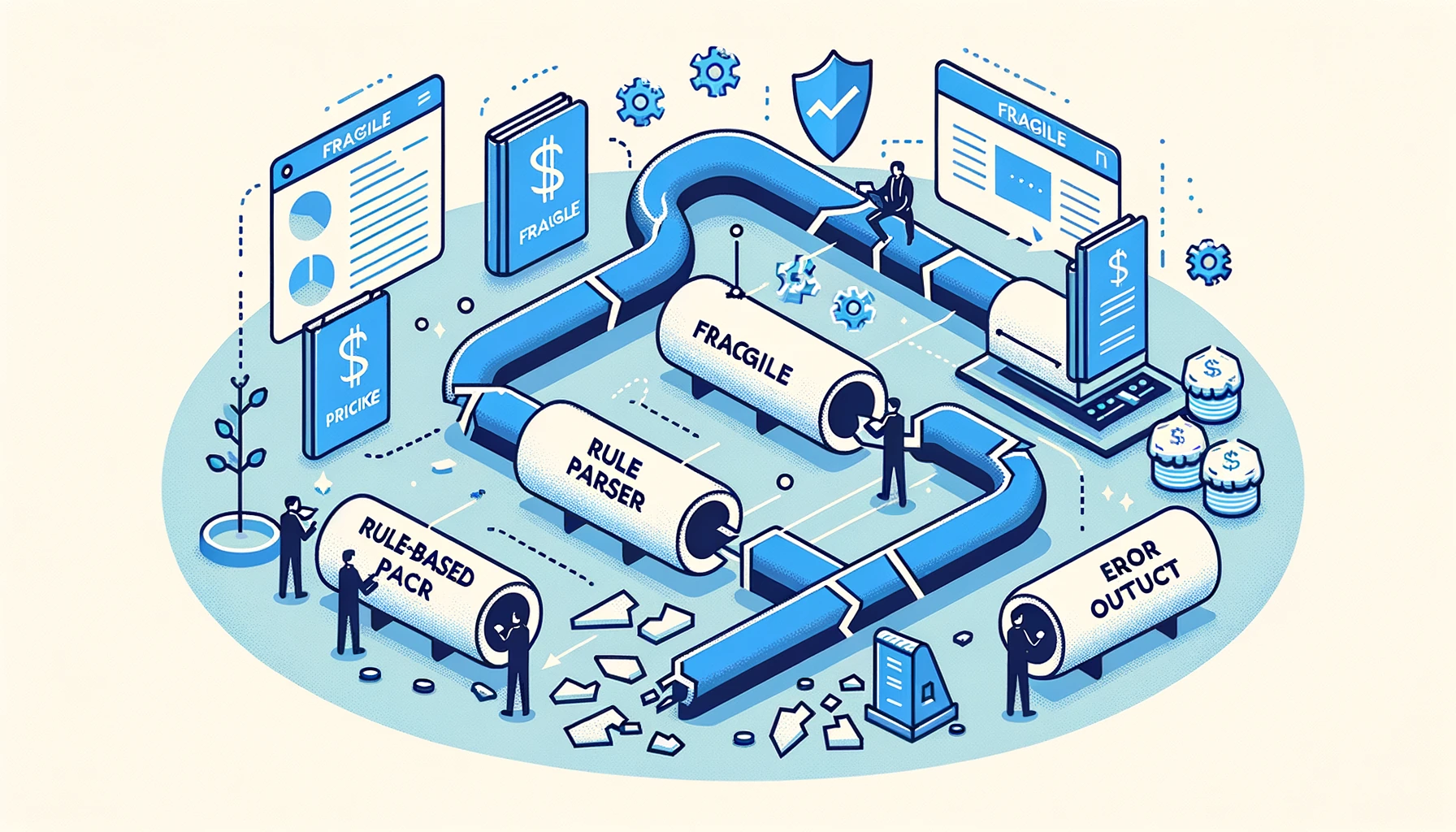
There is no universal order that fits every system.
| Context | Reasonable design |
|---|---|
| One controlled bank layout at high volume | Deterministic parser with strong tests and drift detection |
| Many unfamiliar native PDFs | Layout-aware document extraction, validated against source |
| Scanned archive | OCR or visual model followed by schema and balance checks |
| Mixed portfolio | Classifier plus several extraction paths and human exceptions |
| High-risk downstream posting | Extraction separated from approval; no automatic posting on model output alone |
A hybrid can use a known-template parser where it has measured performance and route unknown layouts elsewhere. Alternatively, one document model can be the default with deterministic rules reserved for normalization and validation. Base the decision on observed error modes, latency, cost, explainability, and review burden—not an unverified industry percentage.
Operational and Security Controls
Bank statements contain personal and financial information. A production pipeline should minimize documents, encrypt traffic and storage, restrict staff access, avoid logging page content, document subprocessors, and delete sources and outputs under a clear schedule.
Keep diagnostic data useful without preserving full statements indefinitely. A layout fingerprint, extractor version, validation code, and redacted example may be enough to debug many failures.
For a full risk checklist, see is it safe to upload a bank statement to an online converter?.
How BankStatementLab Fits
BankStatementLab accepts unlocked statement PDFs and can process native or scanned pages through document-vision extraction. It produces CSV, XLSX, JSON, and OFX 1.6 SGML for supported current/checking and savings-account workflows. It does not produce QBO or QIF and does not connect directly to a bank or accounting platform.
Different layouts and document qualities can still fail or produce mistakes. Review the extracted rows and run balance or total checks before importing or posting them. Review the privacy policy and applicable deletion settings before uploading. Source files, failed uploads, temporary previews and extracted results can follow different retention schedules; keep your own source archive.
Use the PDF-to-Excel workflow to prepare and check a representative file before processing an archive. See current pricing for page-based costs.
Frequently Asked Questions
Why does a parser work in staging and fail in production?
The production mix may include another layout, locale, scan quality, historical template, font encoding, or PDF generator. A bank can also revise a statement without preserving your coordinates or anchor strings. Test on representative documents and monitor validation outcomes by version.
How can I identify a scanned statement?
Render the page and inspect whether meaningful text objects exist. No usable text with visible page content suggests an image-only scan. Selectability and file size are only clues; use a PDF library or document classifier for the decision.
Why is text garbled in a digital PDF?
Custom font encodings, missing Unicode maps, unusual text-object ordering, or extraction-library limitations can make visible text decode incorrectly. Password protection is a separate issue: reject the file or unlock it locally before extraction.
Does AI remove the need for validation?
No. Schema validation, page completeness, date and amount parsing, duplicate detection, balance equations, and human review remain necessary. Model confidence alone is not proof that a value is correct.
Should rules be the fallback for AI?
Not necessarily. Stable, known templates can justify deterministic rules; diverse or scanned documents can justify document models. Choose routes from measured performance and failure modes, and keep validation independent from the extractor.
Conclusion
Bank-statement parsing fails across banks because the visual document is not a shared transaction schema. Layout, encoding, scan quality, locale, and template versions all change the data available to a parser.
Build for variation: classify the document, route it appropriately, constrain output to an explicit schema, validate against statement evidence, surface exceptions, and monitor drift. If you want to evaluate a managed path, create a BankStatementLab account and test a representative, unlocked sample—then verify every result against its source.
Related Articles
Save hours every week
Turn your bank statements (PDF) into Excel, CSV or OFX, without manual retyping.