Save hours every week
Turn your bank statements (PDF) into Excel, CSV or OFX, without manual retyping.
For a U.S. self-employed taxpayer, there is no special retention period for every bank statement. Keep a statement for as long as it supports an item whose limitations period is still open—and longer when it supports property, employment taxes or another legal or business need. The ordinary federal income-tax period is often three years, but the IRS publishes important exceptions. This guide turns those rules into a record-by-record schedule rather than an unsupported “keep everything for six years” slogan.

The General Rule: How Long to Keep Bank Statements
The foundation of record-keeping for any self-employed person is straightforward: keep every document that supports your tax return through the applicable period for assessment or a credit/refund claim. Bank statements are considered supporting documents. According to IRS Publication 583, supporting documents include deposit slips, canceled checks, receipts, and bank statements because they back up the entries in your books and on your tax return.
In practice, the minimum retention period for most records is three years from the date you filed the return (or the due date, whichever is later). But several categories of records require longer retention — check which categories actually apply to your records.
| Record Type | Minimum Retention Period | Why | Applies To |
|---|---|---|---|
| Statement supports an ordinary return item | Usually 3 years | General federal limitations period | Check the filing and payment dates |
| Income omitted by more than 25% of gross income shown | 6 years | IRS exception | Applies to the affected return |
| Worthless-security loss or bad-debt deduction | 7 years | IRS exception | Keep the supporting statement with the claim file |
| Employment taxes | At least 4 years after due or paid, whichever is later | Separate employment-tax rule | Statements may be only part of the file |
| Property or depreciable asset | Until the limitations period expires for the disposal year | Needed to establish basis and depreciation | Retain acquisition and improvement evidence |
The current IRS retention page is the source of these periods. Apply it to the purpose of each record, and also check whether a lender, insurer, state tax authority or pending dispute requires longer retention.
IRS Rules for Self-Employed Bank Statement Retention
The IRS does not set a single blanket retention period for everyone. Instead, the window it has to audit you — the “statute of limitations” — determines how long your records need to exist. Once the audit window closes, the IRS generally cannot go back and assess additional tax for that year.
Apply the period to the return supported by the statement, not simply to the age of the PDF. A three-year period does not mean keeping only the latest 36 monthly statements. Keep the full set supporting that return until its calculated review date. Early-filed returns are treated as filed on their due date.
If you did not file a return or filed a fraudulent return, the IRS says to keep records indefinitely. Employment-tax retention applies to the relevant payroll and employment-tax file; paying an independent contractor does not by itself turn the payment into employment-tax evidence. Keep contractor-payment statements with the business expense and information-reporting records they support.
Bank statements are valuable third-party evidence, but the IRS recordkeeping guide notes that proof of payment alone does not establish entitlement to a deduction. Keep the corresponding invoice, receipt, contract, mileage log or other business-purpose evidence too.
For UK-based self-employed professionals: HMRC’s retention guidance requires self-employed individuals to keep business records — including bank statements — for at least five years after the 31 January submission deadline of the relevant tax year. For example, records covering the 2024/25 tax year must be kept until at least 31 January 2031. Very late returns have a separate rule: when filed more than four years after the deadline, records must be kept for 15 months after filing. Keep relevant records longer where an enquiry, asset or other obligation requires it; a US period is not a substitute for the UK rule.
Special Cases: When to Keep Statements Longer
Beyond the standard rules, a handful of situations require you to hold onto bank statements for much longer than the usual three-to-six-year window. If any of these apply to your situation as a self-employed person, do not shred those records on the standard schedule.
| Situation | How Long to Keep Statements | Reason |
|---|---|---|
| Purchase or improvement of business property | Until the IRS period closes for the year of disposal | Supports basis, depreciation and gain or loss |
| Active audit, claim, litigation or investigation | Until the matter and relevant appeal periods are resolved | Do not destroy potentially relevant records |
| Loan or insurance requirement | For the period specified by the agreement or provider | Non-tax retention can be longer |
| Retirement plan or IRA records | Potentially for the plan’s full life and beyond | Follow the plan-specific rules |
A few specific scenarios worth calling out:
- Home office deduction: keep ordinary rent and utility evidence for the return’s applicable period. Records establishing property basis, improvements or depreciation may be needed through disposal and the subsequent limitations period, even after you move out. Do not use current occupancy as the deletion trigger.
- Dispute with a client: preserve relevant records and follow legal advice or a litigation hold; state limitation periods differ.
- Claims for credit or repayment and amended returns: the IRS publishes a separate “three years from filing or two years from payment, whichever is later” rule for certain claims. Calculate the date from the actual facts rather than assuming an amendment restarts every period.
Drowning in PDF bank statements? BankStatementLab extracts rows from supported statement PDFs to Excel or CSV for review. Keep these working copies alongside the bank-issued statements and supporting documents. Try it now →
Digital vs. Paper: Which Format Does the IRS Accept?
Electronic records can be acceptable when they remain complete, accurate, accessible and reproducible. Whether an original must also be retained can depend on another regulator, contract or evidentiary rule, so do not promise that every paper original can safely be destroyed. Preserve the bank-issued PDF where available and test that archived copies open correctly.
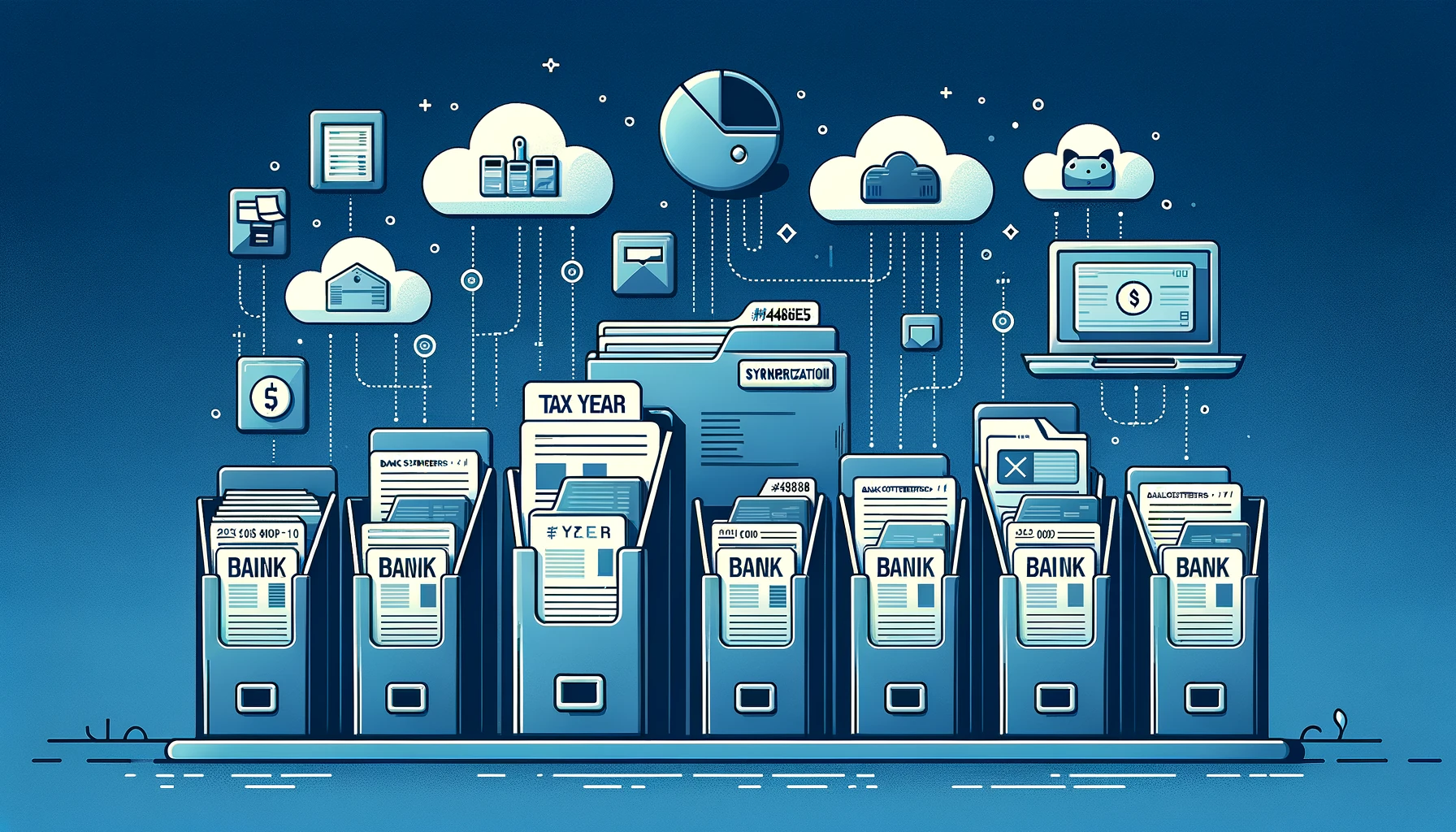
Best practices for digital bank statement archiving:
- Use a consistent file naming convention. A reliable format is
YYYY-MM_BankStatement_AccountLast4.pdf— for example,2024-03_BankStatement_4521.pdf. This makes searching by year and month instant. - Organize by your reporting year. Create a top-level folder for each tax year (e.g.,
TaxYear_2024), then subfolders for each month. For many US individuals this is the calendar year; use the applicable reporting period and preserve the statement’s original date range. - Convert statements to searchable formats. Native PDFs from your bank are ideal. If you have paper statements you scanned, run them through OCR so you can search for specific transactions. Converting PDFs to Excel or CSV (using a tool like BankStatementLab) provides a searchable working table. Unlock protected PDFs locally before uploading, inspect all extracted tables and compare page-by-page rows, dates, signs and amounts with the original. The first table or a matching balance alone does not prove completeness.
- Maintain independent backups. Keep at least one tested backup separate from the working device and protect access with encryption and strong authentication.
- Do not rely solely on your bank’s portal. Availability varies by institution and account. Download required statements before the provider removes access.
- Use encryption for sensitive files. A folder of bank statements contains enough personal information to enable identity theft. Use password-protected archives or full-disk encryption on any device or drive where these files are stored.
How to Safely Dispose of Old Bank Statements
Once a record has passed its retention window and you are certain no special circumstances apply, disposing of it properly is just as important as keeping it in the first place.
For paper bank statements:
- Do not place readable statements in ordinary recycling when they contain account or identity information.
- Use a suitable cross-cut shredder or a reputable document-destruction provider for bulk records.
- If you have very large volumes of old paper records, a commercial document destruction service can collect and certify the shredding.
For digital bank statements:
- Follow the current secure-erasure guidance for the device and storage technology; cloud copies, backups and synced folders may need separate deletion.
- Before disposing of a drive, use the manufacturer’s or operating system’s supported erase procedure, or a reputable media-destruction provider.
For statements that exist only in an online portal:
- These are technically in your bank’s custody, not yours. Your obligation is to download and archive them before they age out of the portal’s history window.
- If you failed to archive a statement you now need, contact your bank’s records department. Ask what older periods remain available, how long retrieval takes and whether a fee applies; recovery is not guaranteed.
Conclusion
Record-keeping does not need to be overwhelming. Here is the plain summary for self-employed professionals who need a quick reference:
| Scenario | Keep Bank Statements For |
|---|---|
| Ordinary federal return support | Usually 3 years, subject to filing/payment details |
| Income omitted by more than 25% of gross income shown | 6 years |
| Business asset or real estate | Through disposal plus the applicable limitations period |
| Fraudulent return or unfiled return | Indefinitely |
| UK self-employed (HMRC rules) | 5 years after 31 January submission deadline |
| Audit, dispute or legal hold | Until formally resolved and retention advice permits deletion |
There is no universal safest number. Label records by tax year and purpose, calculate a review date from the applicable rule, and suspend deletion whenever an audit, claim or other hold is pending.
A reviewed spreadsheet can make searches and reconciliation easier, but it is not a replacement for your evidence archive. Keep account and currency distinctions when combining periods, and provide the format an auditor or adviser actually requests.
Need a searchable working copy? BankStatementLab converts statement PDFs to Excel, CSV or JSON. Keep the original statement and supporting documents alongside the extracted data. Try it now →
Related Articles
Save hours every week
Turn your bank statements (PDF) into Excel, CSV or OFX, without manual retyping.