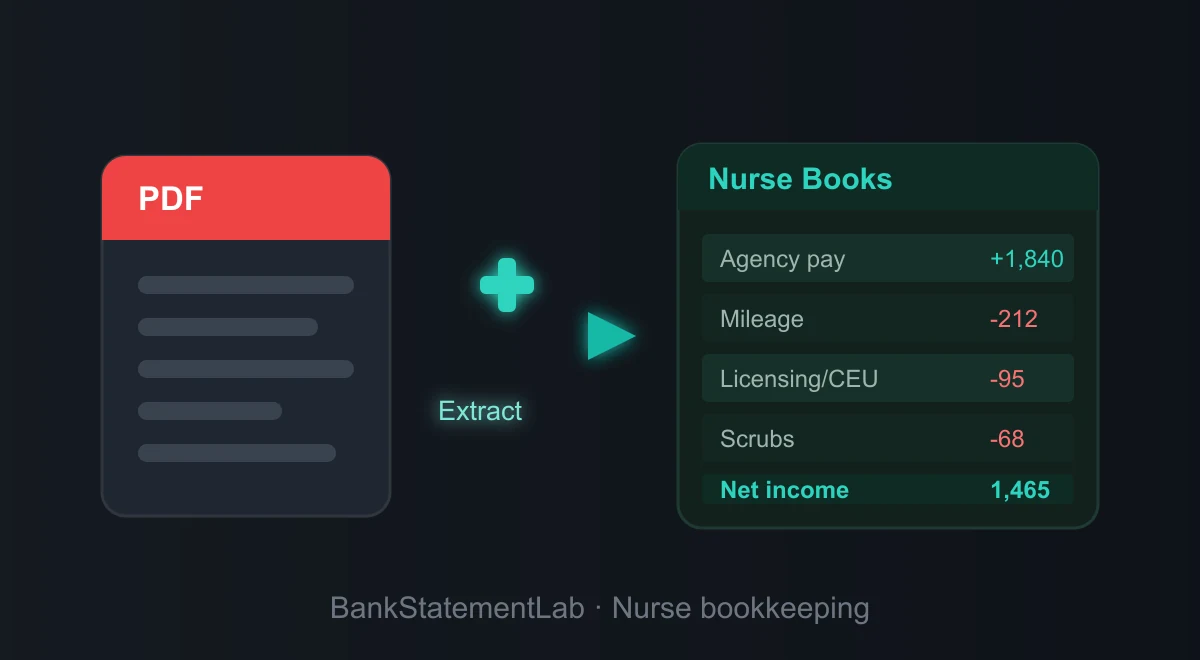
Try with your file
Drop your bank statement (PDF)
1 file · 100 pages max · Free preview of 2 pages
1 file selected
Save hours every week
Turn your bank statements (PDF) into Excel, CSV or OFX, without manual retyping.
Drop a PDF statement and watch the extraction happen live. Instant preview, no signup required.
To turn nursing bank statements into Excel or CSV, start with the bank’s native export when available. If you only have a PDF, extract the rows and check the account, dates, amounts and balances before adding assignment references. The bank statement supplies cash movements; contracts, payslips, invoices and reimbursement records supply their meaning.
This guide is for nurses preparing records for independent work or a mixture of employed and self-employed assignments. Keep those streams separate. Agency work, travel work or a payment-app deposit does not by itself establish self-employment or the tax treatment of a receipt.
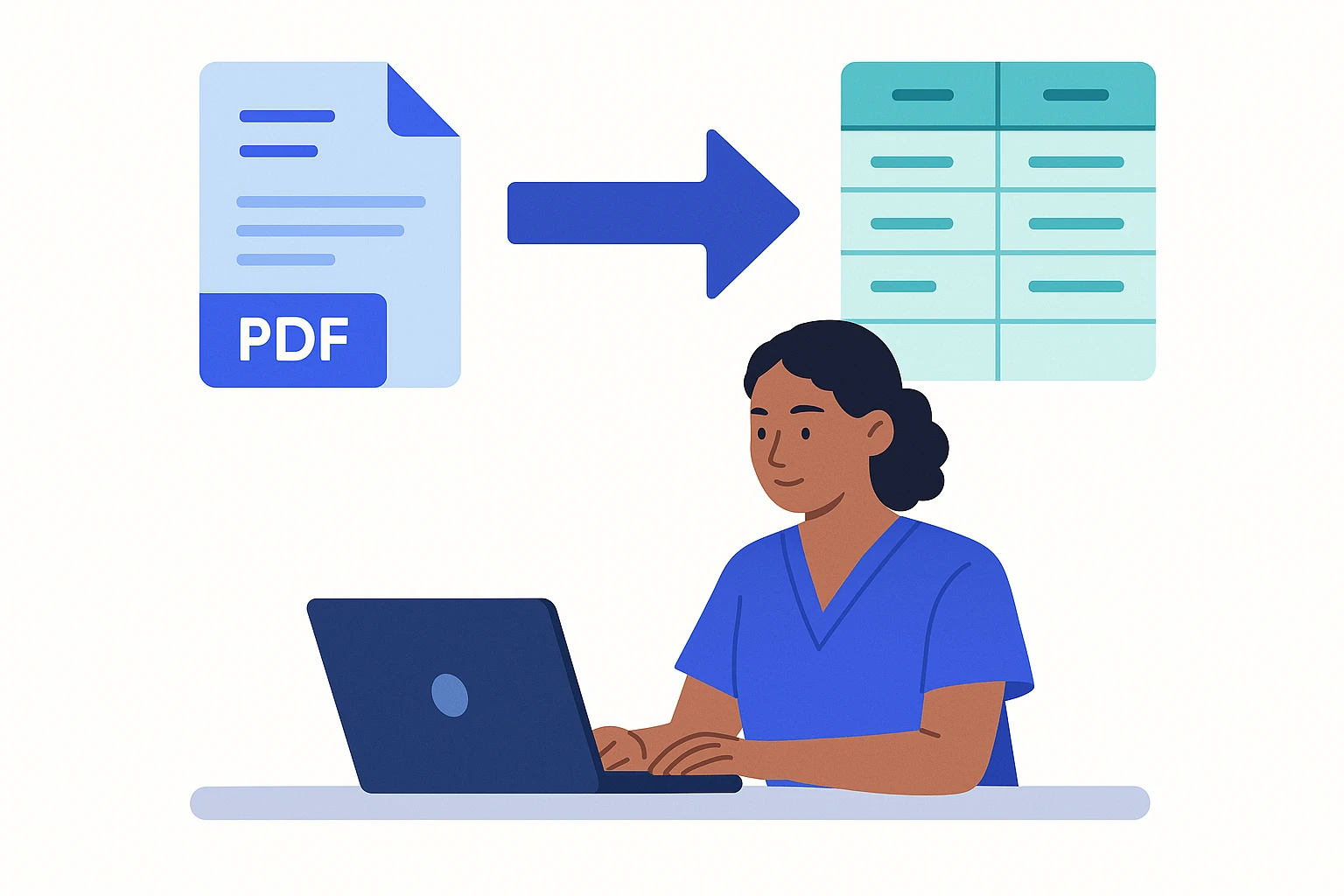
The bookkeeping reality of an independent nurse
First identify the status of each engagement. A nurse may receive employee wages for one assignment and independent-practice income for another. UK government employment-status guidance also flags special rules for agencies; a job title or contract label alone does not resolve status. Record the agreed status and supporting documents before grouping deposits as business turnover.
- Separate business and personal money. Even a single dedicated bank or card for work income and work spending makes every later step dramatically easier. Mixed accounts require a separate review of personal transactions and work receipts.
- Track receipts and assignment evidence. Agency, per-diem, private, and per-visit deposits appear beside travel, licensing, uniform, equipment, and platform payments that need assignment and reimbursement context.
- Track tax obligations separately. Payment dates and calculations depend on your jurisdiction and engagement status, so keep a tax-reserve line in the workbook and confirm the current schedule.
- Retain the assignment pack. Keep each statement and reviewed export with the agency terms, facility dates, reimbursement evidence, mileage or travel log, and receipts for the periods that apply.
Tax registration, digital-record requirements, and travel-expense treatment depend on your jurisdiction and whether an assignment is employed, self-employed, temporary, or indefinite. Keep those statuses explicit in the workbook and check the current official rules before filing. A statement line alone cannot establish that travel or equipment is deductible.
The nursing-specific work is connecting a deposit or journey to the correct assignment. Structured rows make that possible, while the assignment register supplies the facts a bank cannot show.
What a spreadsheet adds to nursing bank records
An agency nurse’s PDF statement presents payments cleanly on screen but exposes no assignment fields. Facility references, reimbursements, and amounts are positioned on the page instead of stored as reusable cells. That is why:
- Agency references can detach from amounts. A pasted shift or facility descriptor may wrap into the next spreadsheet row.
- Assignments stay mixed together. The PDF cannot filter a hotel, reimbursement, or agency deposit by contract dates.
- Travel evidence is absent. A fuel or rail payment says nothing about the journey, facility, or reimbursement status.
- A PDF is not an import file. A later bookkeeping handoff needs reviewed rows, plus the assignment records that explain them.
Reviewed rows let a nurse filter by agency, attach an assignment ID, and separate reimbursements from ordinary deposits. CSV or XLSX can be imported separately where a destination accepts it; BankStatementLab supplies the file but does not create that connection.
Here is the same information, before and after.
| Nursing evidence in a PDF | Nursing evidence after extraction |
|---|---|
| Agency and facility descriptors are scanned visually | Filter deposits by agency and add an assignment ID |
| Reimbursements sit beside ordinary pay | Mark the reimbursement source and supported cost |
| Travel rows contain no assignment context | Link journey, dates, facility, and receipt outside the bank description |
| NMC or other regulator payments are scattered | Maintain a renewal-evidence group without assuming tax treatment |
| Closing balances require a separate page check | Reconcile the extracted rows to each statement |
The general PDF-to-spreadsheet guide explains extraction choices. For nursing records, test its output with one agency deposit, one reimbursement or travel row, and the closing balance, then add the assignment ID that the bank statement cannot supply.
The step-by-step method for a nurse
Here is the workflow from PDF statements to a reviewable handoff. Work in order and leave travel costs unclassified until the assignment register supports them.
1. Gather every statement
Download the statements covering each assignment and private-duty payment period, including a mixed account if that is where receipts landed. Mark personal rows during review instead of excluding a statement that also contains work activity. Check month and balance continuity; an absent statement should remain an explicit gap in the assignment register.
2. Convert the PDFs to Excel or CSV
Extract a month that includes agency pay and at least one assignment-related payment. Compare the full descriptions, posting dates, amount signs, and closing balance to the PDF. A row labeled with a hotel, fuel station, or agency name remains unclassified until the assignment register and reimbursement record explain it.
BankStatementLab creates reviewable CSV, XLSX or JSON from supported statements. It does not retrieve agency records, establish employment status or post to an accounting system. Inspect every relevant table before export and add assignment IDs in your working copy. Check pricing for page-based costs and the privacy policy for source-file and extracted-result retention.
Check transfer narratives for private patients’ names or other health-related information before uploading. Clinical notes and patient-linked billing records belong in approved systems. For US covered workflows involving electronic protected health information, HHS cloud guidance explains why an appropriate business associate agreement and safeguards may be required; a general privacy statement does not establish that arrangement.
3. Categorize: assignment receipts and cost candidates
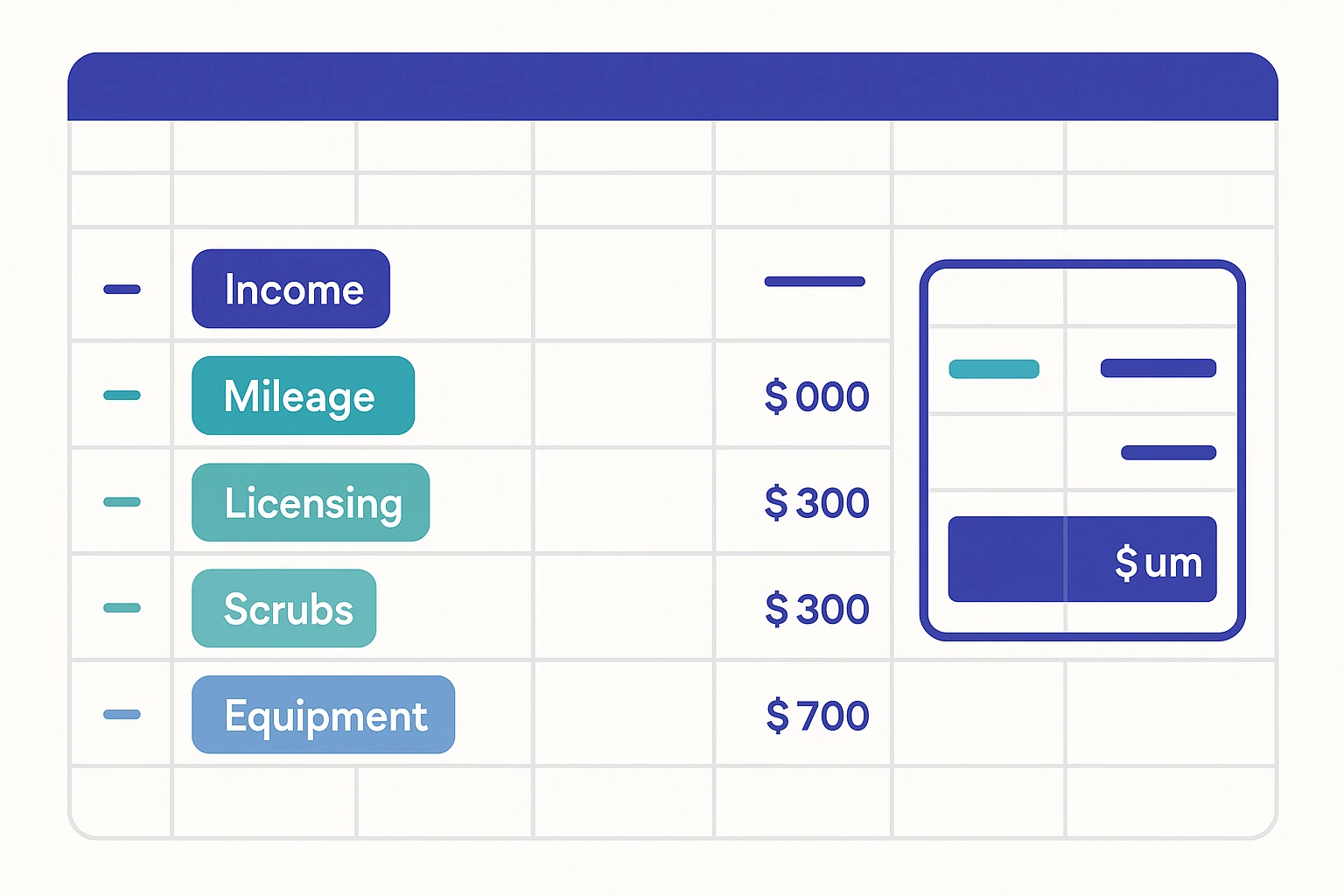
Add a Category column and tag every row. For a self-employed nurse the buckets usually look like this.
| Review label | Typical nurse transactions | Assignment evidence or question |
|---|---|---|
| Work receipts | Agency pay, per-diem, private clients, per-visit fees | Assignment, invoice, payslip, or client record |
| Travel candidates | Fuel, parking, tolls, rail, lodging | Facility, dates, tax-home analysis, and reimbursement status |
| Licensing & CEUs | Licence renewal, certifications, continuing education | Regulator notice, course purpose, and current local rules |
| Uniforms & supplies | Scrubs, PPE, stethoscope, small equipment | Receipt, employer reimbursement, and work-specific use |
| Agency & platform charges | Staffing or booking-service fees | Contract or statement showing gross, fee, and net components |
| Insurance & admin | Indemnity, phone, scheduling or documentation tools | Policy or invoice plus any personal-use allocation |
For travel, record assignment dates, facility, journey purpose, reimbursements, mileage, and the vehicle method used under the current local rules; a fuel payment cannot establish any of those facts. For scrubs, PPE, and clothing, retain the item description, workplace requirement, reimbursement, and personal-use context. Classify them as review candidates rather than assuming that every work-related garment receives the same treatment.
Group rows by agency, facility, regulator, and recurring supplier, then split them again by assignment ID. The same hotel or fuel payee can support a different conclusion on two contracts, so never batch a travel decision from the description alone. The pivot-table categorization guide can expose recurring payees while the assignment register preserves that context.
Add an assignment register before reviewing travel costs
For a travel or agency nurse, the payee name alone does not show which assignment created a deposit or expense. Add facility or agency, assignment location, start and end dates, reimbursement received, and receipt reference columns. The IRS Publication 463 distinguishes travel away from a tax home from an indefinite assignment and explains the records needed for travel expenses. Use that official test for your circumstances instead of labeling every hotel, meal, or journey “deductible” from the bank description alone.
Keep the assignment register with the underlying evidence; the checklist for organizing statements for a self-employed tax audit provides a practical file structure for that handoff.
4. Reconcile
For each account, check opening balance + money in − money out = closing balance, including personal rows and transfers when proving the bank total. Exclude them only from the later business subtotals. Agreement is a useful control, but offsetting errors can still hide missing or duplicated rows.
Match agency deposits to the relevant payslip or remittance, including withholding, fees and reimbursements as separate components. For private-client card payments, reconcile gross collections, fees and adjustments to the net payout. Keep unresolved differences in an exception column.
5. File it yourself or hand it to an accountant
When the bank balance, agency records, and reimbursement schedule agree, subtotal receipts and candidate costs by assignment rather than copying a generic expense total into a return. Apply the current rules for employment status, tax home, and travel to those schedules—or give the workbook, contracts, and receipts to the adviser making those decisions.
Agree the preparation and review responsibilities
You do not have to choose all-or-nothing. You can prepare the bank and assignment schedule while an adviser reviews employment status and filing treatment.
- Nurse-led preparation can fit one clearly documented assignment, but the workbook still needs employment status, dates, reimbursements, and local rules attached.
- Accountant-led preparation may help where assignments overlap, tax-home or travel questions arise, or employed and independent receipts share an account. Agree the source documents and fee first.
- Shared preparation leaves the bank and assignment reconciliation with you while the adviser reviews the legal and tax classification. Any saving depends on that agreed division of work.
A reviewed spreadsheet can make assignment and reimbursement questions easier to locate, but any fee or time reduction depends on the accountant’s engagement. Ask whether they want assignment dates, reimbursements, and receipt references in separate columns. The guide to preparing bank statements for an accountant provides a handoff checklist.
A worked example: one month of a nurse’s statement
This fictional example uses one currency and shows bank cash, not gross earnings or deductible expenses. The agency remittance and payment-app settlement must explain any fees, withholding or reimbursements. Add the review categories after validating the extracted rows.
| Date | Description | Amount | Category |
|---|---|---|---|
| Mar 02 | Agency deposit | +1,840.00 | Bank receipt — review |
| Mar 05 | Fuel | -64.20 | Vehicle / mileage |
| Mar 09 | Payment app payout — private client | +420.00 | Bank receipt — review |
| Mar 12 | Scrubs & PPE | -78.00 | Uniforms & supplies |
| Mar 15 | License renewal | -110.00 | Licensing & CEUs |
| Mar 18 | Transfer to personal savings | -500.00 | Personal (exclude) |
| Mar 22 | Phone & scheduling software | -46.00 | Insurance & admin |
| Mar 27 | Parking — client visit | -18.50 | Vehicle / mileage |
In this illustrative ledger, the categories show bank receipts of 2,260.00 and candidate business costs of 316.70. The 500.00 moved to personal savings is an owner movement, outside the receipts-and-costs subtotal. That subtotal is 1,943.30; the bank account’s net movement after the transfer is 1,443.30. Neither is necessarily taxable profit or gross employment pay; assignment status and the current rules still determine the treatment of travel, clothing, licensing, and mixed-use costs.
Common mistakes and traps to avoid
Even careful nurses trip on the same few things.
- Treating manual entry as self-validating. A typed agency deposit is a second copy that still needs comparison with the source statement.
- Mixing personal and business. If personal spending sits next to a license renewal, every category needs more review. A separate account or dedicated card reduces that ambiguity. See how to separate personal and business expenses.
- Forgetting cash and card-app income. Deposits are the easy part; make sure private-client payments through payment apps are captured too. Reconcile each payment channel so cash and app balances are not missed.
- Classifying travel without an assignment. Keep the facility, dates, work status, reimbursement, and journey evidence open until the current rule can be applied.
- Missing a shifted agency reference. Compare one deposit, one reimbursement or travel row, amount signs, and the closing balance to the PDF before making assignment totals.
- Skipping retention checks for nursing financial data. Confirm deletion controls for the source and output before uploading records that reveal facilities, agencies, and work patterns.
Going further: build a system, not a scramble
Review the ledger at each assignment or agency-pay cycle, while reimbursements and travel purpose are still easy to document.
- Close each assignment period. Match agency deposits and reimbursements to the assignment register, then store receipts with the reviewed export.
- Append statements to an assignment-controlled workbook. Preserve source account, month, agency, and assignment IDs when using the batch-conversion guide.
- Watch cash flow. Combine the bank history with expected assignment receipts and upcoming bills to forecast a gap between contracts.
- Maintain a provisional tax-reserve view by work status. Keep employed, agency, and independent receipts distinct and update the estimate using the current schedule rather than a generic percentage.
- Review nursing cost candidates by assignment. Use the statement prompt list to surface licence, uniform, equipment, phone, and travel questions, then verify each under current rules.
Agency nurses may not issue invoices for every shift, so the bank feed can start a receipt schedule. It cannot supply assignment terms, reimbursements, payslips, cash receipts, or travel purpose. The accountant handoff workflow shows how to track those missing records instead of calling the export complete books.
Three ways to convert a statement, compared
For the nursing example, compare routes on whether an agency reference stays attached to its amount and whether assignment and reimbursement fields can be added without obscuring the source balance.
| Route | Assignment-led workflow | Nurse-specific review | Result |
|---|---|---|---|
| Manual entry | Type each transaction and assignment tag | Recheck agency references, reimbursements, and balances | A custom workbook exposed to transcription error |
| General table extraction | Recover visible tables and reshape them | Inspect wrapped agency and facility descriptions | A table that may need column repair |
| Bank-statement extraction | Extract structured rows, then add assignment context | Tie a deposit and travel candidate to the supporting assignment | JSON, XLSX, or CSV; no connected posting |
Whichever route you choose, compare the export with the statement before trusting totals. Sample one agency payment and one reimbursed assignment cost, then confirm the assignment register explains both rows.
Prepare the assignment handoff
Your statements show the payment layer of independent nursing work, while assignment and reimbursement records explain it. Convert and reconcile the PDFs, then deliver the reviewed CSV or XLSX with the evidence needed to assess each travel and practice cost.
Use the conversion to prepare rows, then concentrate review on work status, assignment purpose and reimbursement evidence.
Compare bank movements with your books
Once agency remittances explain each net receipt, compare the processed statements with the bank entries in your accounting export using BankStatementLab reconciliation. Approve reviewed proposals and export Excel, CSV or PDF with outstanding items. Payroll deductions and expense reimbursements still need their own supporting records.
Frequently asked questions
How long do I need to keep my bank statements as a self-employed nurse?
The period depends on the country, return, assignment arrangement, and any professional record rules that apply. Check the current official guidance and keep the statement, reviewed export, assignment record, and receipts as one evidence set. The record-retention guide for self-employed workers explains how to organize it without hard-coding a deadline here.
Do I legally need a separate bank account for my nursing income?
Whether you need a dedicated account depends on your legal form, jurisdiction and bank terms. A separate account can simplify records, but a personal account may prohibit business use. If the activity is already mixed, flag personal rows, document mixed-use allocations and reconcile work rows to agency statements, invoices and receipts. This separation guide shows the review workflow.
Do I pay tax on the full agency payment or on what lands after the fee?
Do not derive reportable income from the net agency deposit. Reconcile gross pay, agency or platform charges, reimbursements, withholding or other adjustments, and cash received using the contract and agency statement. Employment status and local rules control how those components are reported, so keep the schedule open until they are applied.
Can I claim my phone and nursing software subscriptions as expenses?
Put phone, scheduling, invoicing, and documentation charges in separate review rows. Retain the invoice, subscription period, assignment purpose, any employer reimbursement, and a supportable personal-versus-work allocation. The allowable amount depends on engagement, country, and year; the bank descriptor cannot establish it by itself.
Do I have to report money private clients send me through a payment app?
Do not omit a private-duty receipt merely because it came through an app, transfer, card, or cash. Match processor reports to deposits, maintain a cash record, and preserve gross, fee, adjustment, and net fields. Apply the reporting rules for the jurisdiction and the nurse’s employment or self-employment status to the reconciled schedule.
My statements come from two different banks — can I still build one clean file?
Yes. Validate each bank’s rows separately, then map them into a working table with account, currency, source period and assignment ID. Different statements may have different columns or several tables; preserve the original exports and review signs before combining them. Match transfers between included accounts and keep employed-pay rows separate from independent receipts. See the batch-statement workflow.
Related articles
- Organize Assignment Evidence for a Self-Employed Tax Audit
- Separate Personal and Nursing Transactions
- Categorize Recurring Bank Payees With a Pivot Table
Create reviewable nursing-assignment rows in JSON, CSV, or XLSX with BankStatementLab
Save hours every week
Go from PDF to an Excel file ready to use, with no manual data entry.