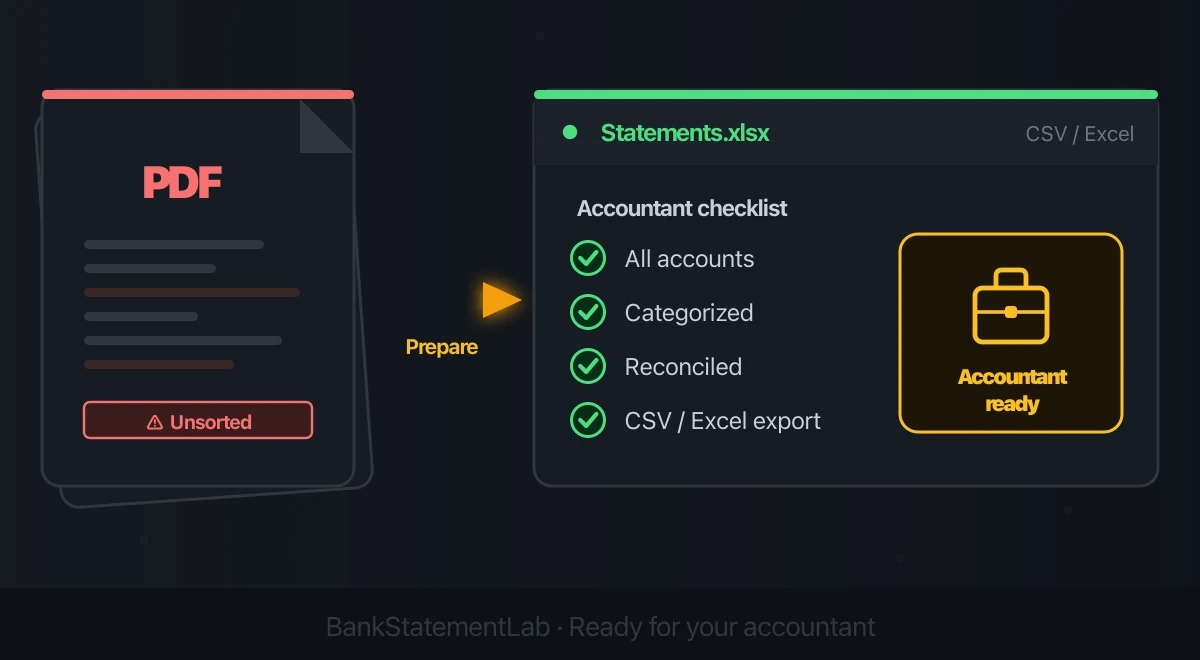
Save hours every week
Turn your bank statements (PDF) into Excel, CSV or OFX, without manual retyping.
A clean accountant handoff is not just a folder of bank-statement PDFs. The statements prove cash movements, but they do not identify every sale, unpaid invoice, business purpose, liability, asset, or tax treatment.
The right package depends on the engagement: bookkeeping cleanup, annual accounts, a tax return, a loan application, and an audit all require different evidence. Ask your accountant for a written request list first, then use this checklist to close gaps before you send anything.
What a bank statement can—and cannot—show
A bank statement can usually establish:
- the account and statement period;
- opening and closing balances;
- posted dates, descriptions, and amounts;
- cash that entered or left that account.
It cannot necessarily establish:
- what a merchant supplied or why it was business-related;
- the gross sale behind a net processor settlement;
- invoices issued but not yet collected;
- bills received but not yet paid;
- inventory, depreciation, payroll liabilities, or loan allocation;
- whether an item is deductible in your jurisdiction.
The IRS says a combination of documents may be needed to support the payee, amount, date, and description of a business expense. See its business recordkeeping guidance. HMRC similarly lists bank statements alongside sales invoices, receipts, and other records in its self-employed record guidance.
Start with scope, period, and account completeness
Before preparing files, confirm these points with the accountant:
- Purpose: bookkeeping, accounts, tax, finance, or another engagement.
- Reporting period: exact start and end dates.
- Entities: sole trader, company, partnership, or multiple businesses.
- Accounts: current, savings, payment processor, loan, and card accounts in scope.
- Accounting basis: cash, accrual, or another permitted method.
- Preferred format: originals, native exports, accounting-system access, or a template.
- Cut-off date: when the accountant needs the completed package.
Create an account register:
| Account | Institution | Last four digits | Period covered | Original statement | Structured export | Reconciled |
|---|---|---|---|---|---|---|
| Operating | Example Bank | 4821 | 2025-01-01 to 2025-12-31 | Yes | Yes | Yes |
| Business card | Example Card | 1094 | 2025-01-01 to 2025-12-31 | Yes | Native CSV | Yes |
| Processor | Example Pay | 7710 | 2025-01-01 to 2025-12-31 | Settlement reports | CSV | Open item |
This catches missing months and forgotten accounts without assuming that every engagement needs every document you possess.
Build the accountant-ready package
1. Preserve original source records
Download each statement directly from the institution and keep it unchanged. Use a predictable filename such as:
2025-03_ExampleBank_Operating-4821.pdf
Do not rename a file in a way that hides the account or period. Do not discard original statements after creating a spreadsheet. HMRC’s digital-record guidance explicitly notes that supporting records such as statements and invoices still need to be kept.
2. Add the bank’s native transaction export
If the bank offers CSV or XLSX for the full period, include it as a working file if your accountant wants it. Native data may contain fields that are not visible on the statement.
When only a PDF or image is available, a conversion can create a sortable working copy. Check it against the statement:
- transaction count and period boundaries;
- total money in and money out;
- opening-to-closing balance movement;
- signs, currencies, and decimal separators;
- descriptions that wrap across lines;
- duplicate or missing rows.
A converted file is not automatically reconciled, and it does not replace the original.
3. Reconcile each account
For each period, show that:
Opening balance + money in - money out = closing balance
Then reconcile the books to the statement, documenting genuine timing differences such as outstanding checks or deposits in transit. Do not force a difference into “miscellaneous” just to make the totals agree.
For credit cards, keep the purchase ledger separate from the payment leaving the bank. The bank payment settles a liability; recording it again as an expense duplicates the card purchases. Follow the detailed Controlled bank-reconciliation workflow.
4. Attach the records behind the rows
Organize supporting documents by period or transaction reference:
- sales invoices, till records, and processor settlement reports;
- supplier invoices and receipts;
- contracts and financing agreements;
- payroll reports and tax-payment records;
- asset purchase documents;
- mileage or travel logs when required;
- inventory and work-in-progress records where relevant.
Link documents to the ledger by transaction ID, filename, or a Notes column. If evidence is missing, label the item for review instead of inventing a purpose.
5. Separate operating, financing, transfer, and owner movements
A clear review column should distinguish:
| Type | Examples | Why it matters |
|---|---|---|
| Operating | customer receipts, rent, suppliers | core cash activity |
| Financing | loan proceeds, principal, interest | not all movement is income or expense |
| Transfers | movements between owned accounts | exclude duplicates across accounts |
| Owner | contributions, drawings, personal costs | equity or personal treatment may apply |
| Open item | unknown deposit, ambiguous payee | accountant must resolve it |
If personal and business transactions share an account, use this separation workflow and keep the original row intact. Never delete an awkward transaction from the working copy.
6. Include accrual and year-end information when requested
A statement-only cash view misses amounts owed and owing. Depending on the engagement, your accountant may request:
- open customer invoices;
- unpaid supplier bills;
- stock and work in progress;
- prepayments and accrued costs;
- fixed assets and disposals;
- loans and interest schedules;
- payroll liabilities;
- sales-tax or VAT records;
- owner contributions and distributions;
- prior-year accounts and current ledger exports.
For example, HMRC notes that traditional accounting requires records of amounts owed, committed spending, stock, year-end bank balances, owner investment, and withdrawals—not just bank movements.
A concise handoff index
Put a one-page index at the top of the folder:
Business:
Reporting period:
Accounting basis:
Accounts included:
Missing records:
Unreconciled differences:
Personal or owner items:
Large or unusual transactions:
Contact for questions:
Then use folders such as:
01_Original-statements
02_Native-or-reviewed-exports
03_Reconciliations
04_Sales-and-settlements
05_Purchases-and-receipts
06_Payroll-and-taxes
07_Assets-and-finance
08_Open-items
A good package makes uncertainty visible. It does not try to look perfect by concealing missing evidence.
Protect the data during transfer
Statements and tax records contain identifiers and financial history. Use the accountant’s approved transfer method, ideally an authenticated client portal. Confirm the recipient, apply least-necessary access, and enable multi-factor authentication where available.
The IRS warns that tax professionals are high-value cybercrime targets and links to its safeguards in the Tax Security checklist. If email must be used, agree the security method with the accountant. When a password-protected PDF is acceptable, protect the PDF locally without uploading it, and send the password through a different channel.
Also agree who will retain which source records and for how long under the rules that apply to you. A conversion service’s storage policy is not a substitute for your legal record-retention duty.
Final pre-send check
- Every in-scope account and period is listed.
- Original statements are complete and unchanged.
- Native exports are used when available.
- Converted rows have been checked against the originals.
- Book balances are reconciled or differences are explained.
- Transfers and card payments are not double-counted.
- Personal and owner items are labelled.
- Supporting documents are linked.
- Open questions are listed without guesses.
- Files are transmitted using the agreed secure method.
BankStatementLab can help when an in-scope bank statement exists only as a supported PDF or image: it exports CSV, XLSX, or JSON for review. It does not prepare the accounts, substantiate business purpose, or decide tax treatment.
Compare bank movements with your books
Add a reviewable reconciliation report to the handoff when the accountant supplies a ledger export. BankStatementLab can compare that export with your processed statements, let you approve proposed matches, and include remaining exceptions in Excel, CSV or PDF. Agree who reviews each proposal using the bank reconciliation guide; the report accompanies the original documents.
Frequently asked questions
What should I send my accountant with the bank statements?
Start with the accountant’s own request list. A useful handoff usually includes complete original statements for each in-scope account, a structured working copy if requested, reconciliation notes, invoices and receipts, sales and purchase records, payroll and tax records where relevant, and a list of unresolved items. A bank statement is evidence of cash movement, not a complete set of books.
Should I send PDF statements or CSV files?
Send the original statements unless your accountant says otherwise, and add the bank’s native CSV or spreadsheet export as a working file when available. A converted spreadsheet can help with sorting, but it should be checked against the original and should not replace source records.
Do business credit card statements belong in the handoff?
Include statements for business cards and any personal card used for business costs if those accounts are within the agreed scope. Keep the card purchases separate from the payment shown on the bank statement so expenses are not counted twice.
Are bank statements enough to support business expenses?
Often not by themselves. A statement may show payee, date, amount, and proof of payment but not the item bought or its business purpose. Retain invoices, receipts, contracts, mileage logs, and other supporting documents required in your jurisdiction.
How should I flag personal or unexplained transactions?
Add a review column and label owner contributions, drawings, transfers, personal items, and unknown entries without guessing. Attach a short question list so the accountant can resolve exceptions efficiently.
How should I transmit statements securely?
Use the transfer method approved by your accountant, such as their authenticated client portal. Confirm the recipient, limit the files to what is needed, enable multi-factor authentication where offered, and follow the accountant’s retention instructions.
Related articles
- Categorize Bank Transactions in Excel with Pivot Tables
- How to Automate Bank Reconciliation
- How to Generate a Profit and Loss View From Bank Data
Create a reviewed spreadsheet copy of supported statements for your accountant handoff
Save hours every week
Turn your bank statements (PDF) into Excel, CSV or OFX, without manual retyping.