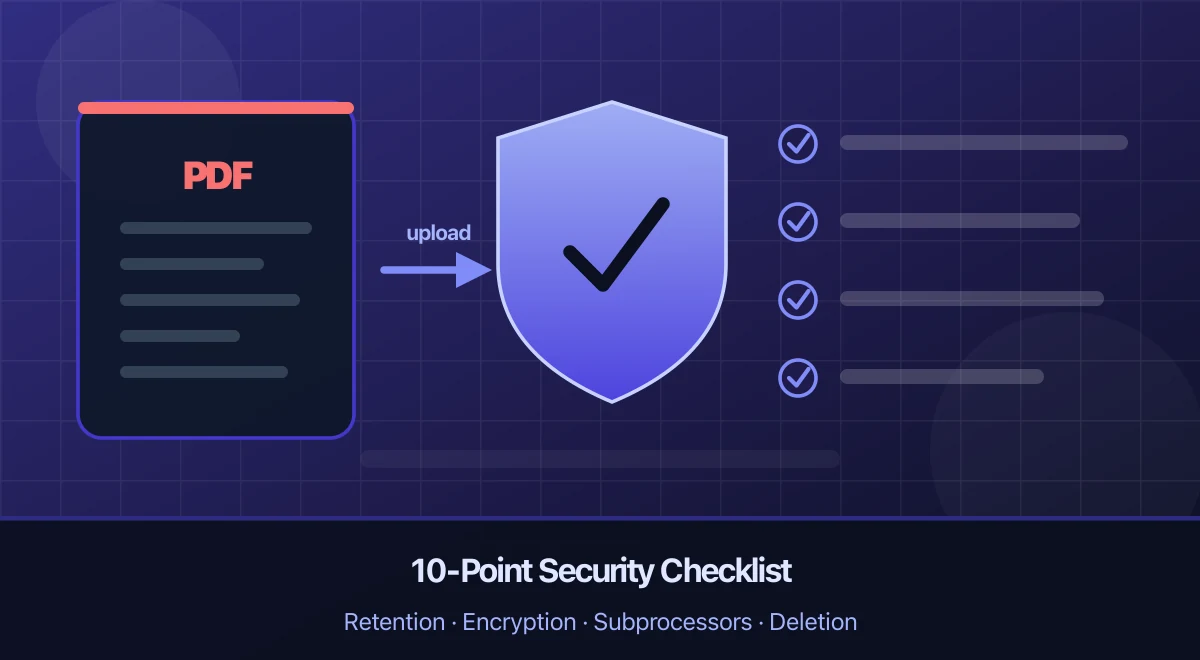
Save hours every week
Turn your bank statements (PDF) into Excel, CSV or OFX, without manual retyping.
Uploading a bank statement to an online converter can be reasonable, but no single feature makes it “safe.” The decision should account for the operator, the document’s sensitivity, encryption, access controls, subprocessors, source-file and output retention, deletion, and your own obligations.
A practical rule: use your bank’s native CSV, OFX, QIF, or other structured export when it meets the need. If conversion is necessary, send the minimum data, verify the provider’s current documentation, and delete the result when the purpose is complete.
What a Bank Statement Reveals
A statement can combine identifying and financial context in one file:
- name, postal address, bank, and partial or full account identifiers;
- salary, benefits, rent or mortgage payments, and recurring bills;
- merchants, counterparties, locations, and transaction dates;
- account balances and patterns of activity.
An account number alone normally is not enough to sign in to online banking, but the surrounding information can support convincing impersonation and social-engineering attempts. Treat the document as confidential even where local law does not classify financial data as a special legal category.
Under the EU General Data Protection Regulation, financial data is not itself an Article 9 special category. However, a transaction narrative may reveal information such as health, religion or trade-union membership, so assess the actual content and use rather than classifying the whole statement by its file type. Personal data remains subject to the regulation’s principles and safeguards. The official GDPR text is the primary source; this article is general security information, not legal advice.
The 10-Point Security Checklist
1. Is the operator identifiable?
Look for a legal company name, contact details, governing terms, and a privacy notice that specifically discusses uploaded documents. A polished interface and an HTTPS padlock do not establish who controls the data.
Avoid a service if you cannot identify the operator or exercise privacy rights against it.
2. What exactly is retained, and for how long?
Separate at least four objects:
- the source PDF;
- temporary page images or split files;
- extracted transactions and exports;
- logs, support records, and backups.
“Files are deleted after processing” is incomplete if failed uploads, extracted data, or backups follow a different schedule. Look for durations, trigger events, and treatment of both successful and failed jobs.
Retention matters, but it is not the only control. A short-lived file can still be exposed through weak access controls or an unsuitable subprocessor.
3. Can you delete both the source and the result?
Check whether you can delete an extraction yourself and what happens when an account is closed. Ask whether deletion removes live data only or also begins a documented backup-expiry process.
Ask whether the provider has backups, what content they hold, and how deletion requests propagate. A live-data deletion confirmation should distinguish any remaining backup retention and restrictions on restoring deleted records.
4. Is data protected in transit, at rest, and in backups?
HTTPS/TLS protects data while it travels between your browser and the service. It does not describe storage encryption, backup protection, key management, or staff access.
Look for separate statements about:
- TLS for transit;
- encryption of stored files, databases, and backups;
- how encryption keys are controlled;
- isolation between customers;
- secure disposal.
NIST’s official Guidelines on Security and Privacy in Public Cloud Computing explains why cloud security is a collection of controls and responsibilities, not one badge or protocol.
5. Who can access the document?
A useful answer identifies which operational roles may access customer content, for what purpose, with what approval, and whether access is logged. “Only authorized staff” is a starting point, not a complete access-control description.
For professional or client records, ask whether support access is disabled by default and whether audit evidence is available.
6. Which subprocessors receive the data?
Document extraction may involve hosting, storage, observability, support, and AI providers. Ask for the current subprocessor list, processing purpose, location, and applicable product tier.
Do not copy a retention number from a generic consumer-AI page and assume it applies to an API customer. Provider terms vary by product, configuration, contract, and date. Read the converter’s current documentation and the cited subprocessor terms.
For organizations subject to GDPR, Article 28 addresses processor contracts and the engagement of other processors. It does not mean that publishing a list alone proves the whole arrangement is compliant.
7. Where is processing performed?
Hosting region, backup region, support access, and subprocessor locations can all matter. “Hosted in Europe” does not necessarily mean no data leaves Europe.
If jurisdiction or cross-border transfer rules are important to you, request the relevant contractual documents rather than relying on a marketing sentence.
8. How is the user account protected?
For an account that stores extracted financial data, look for:
- unique-password support and preferably multi-factor authentication;
- sensible session expiry and device controls;
- rate limiting and recovery protections;
- alerts or records for important account changes.
Use a unique password and protect the email account used for recovery. Do not give a PDF converter your online-banking username, password, one-time code, or statement password.
9. How are incidents handled?
A credible provider explains how to report a vulnerability or suspected breach and how affected users are notified. Certifications and independent tests can be useful evidence, but check their scope, date, and whether they cover the service you are using.
A logo without a current report or scope is not proof.
10. Does the policy match the product?
Compare the upload screen, terms, privacy notice, security page, and account settings. Contradictory claims—such as “nothing stored” beside a permanent extraction history—deserve clarification.
Take a dated copy of the applicable policy if the upload is part of a regulated or client workflow. Policies and subprocessors change.
Red Flags
Leave the site if you see any of these:
- no HTTPS;
- no legal operator or document-specific privacy notice;
- vague retention such as “deleted regularly”;
- a request for online-banking credentials or one-time codes;
- no way to remove saved output;
- unsupported claims such as “100% secure,” “zero risk,” or “bank-grade” without defined controls;
- an AI-powered claim with no explanation of who processes the file;
- a browser extension requesting access to unrelated sites.
HTTPS is mandatory, but not sufficient. It authenticates the connection to a domain and encrypts traffic; it does not validate the operator’s business practices.
Reduce the Data You Send
Prefer a native export
If the bank already supplies a structured file accepted by your spreadsheet or accounting workflow, use it. This avoids another document-processing step and often preserves transaction fields more reliably than extraction from a presentation-oriented PDF.
Limit the scope
Send only the required account, date range, and pages. Remove unrelated statements from a batch. If you are acting for a client or employee, confirm that you are authorized to use the service.
When a single source contains several accounts or periods, separate the PDF locally into the files you actually need before upload. Splitting does not anonymize the document, but it can reduce the scope you transmit.
Data minimization is also one of the principles in GDPR Article 5: personal data should be adequate, relevant, and limited to what is necessary.
Redact correctly—or do not upload
If a field is not needed for extraction, a proper redaction tool can remove the underlying text or pixels. Drawing an opaque rectangle over text may leave the content selectable or recoverable.
Apply the redactions and sanitize the saved copy; Adobe documents removing sensitive content and hidden information. Reopen it and test search, copy, layers, attachments and metadata. Remember that removing the account number does not anonymize a statement that still contains a name, employer, creditors, and transaction narratives.
Handle password-protected PDFs locally
Do not give a converter the password to your bank document. Open and save an unlocked copy on a trusted device if you are entitled to do so, then protect or delete that local copy after use.
BankStatementLab rejects locked PDFs. If you know the current password and are authorized to modify the document, remove the PDF password locally without uploading it, then submit only the unlocked copy for extraction. The bank-specific workflow is covered in how to unlock a password-protected bank statement.
Verify before relying on the output
Extraction is not infallible. Compare transaction count, date range, debit and credit signs, opening and closing balances, and a sample of rows with the source statement. Keep the original when it is evidence for tax, audit, legal, or contractual purposes.
BankStatementLab’s Document Lifecycle
The source and the extracted result have different lifecycles:
| Data | Current behavior |
|---|---|
| Successful source PDF | Retention depends on the workflow; some successful sources are retained for up to seven days rather than deleted immediately |
| Failed extraction | The failed source may be retained for troubleshooting or retry for up to 14 days |
| Guest completed result | Purged after 24 hours |
| Guest partial result | Its source expires after 24 hours and the remaining record is purged after 48 hours |
| Signed-in extracted data | Remains until you delete it manually, unless automatic deletion is enabled |
| Automatic deletion | Optional and disabled by default; configurable from 1 to 30 days, starting at 14 days when enabled |
These schedules distinguish source files from extracted results. Deletion runs through scheduled cleanup, so an expiry threshold should not be read as an instantaneous erasure guarantee. Review the current privacy notice, GDPR information, and security page for the contractual and security context that applies when you upload.
BankStatementLab exports CSV, XLSX, and JSON. It does not require online-banking credentials and it does not provide a direct banking connection. Signed-in uploads are limited to 50 MB per file, 100 files, and 100 pages across a batch.
If You Already Uploaded to a Service You Do Not Trust
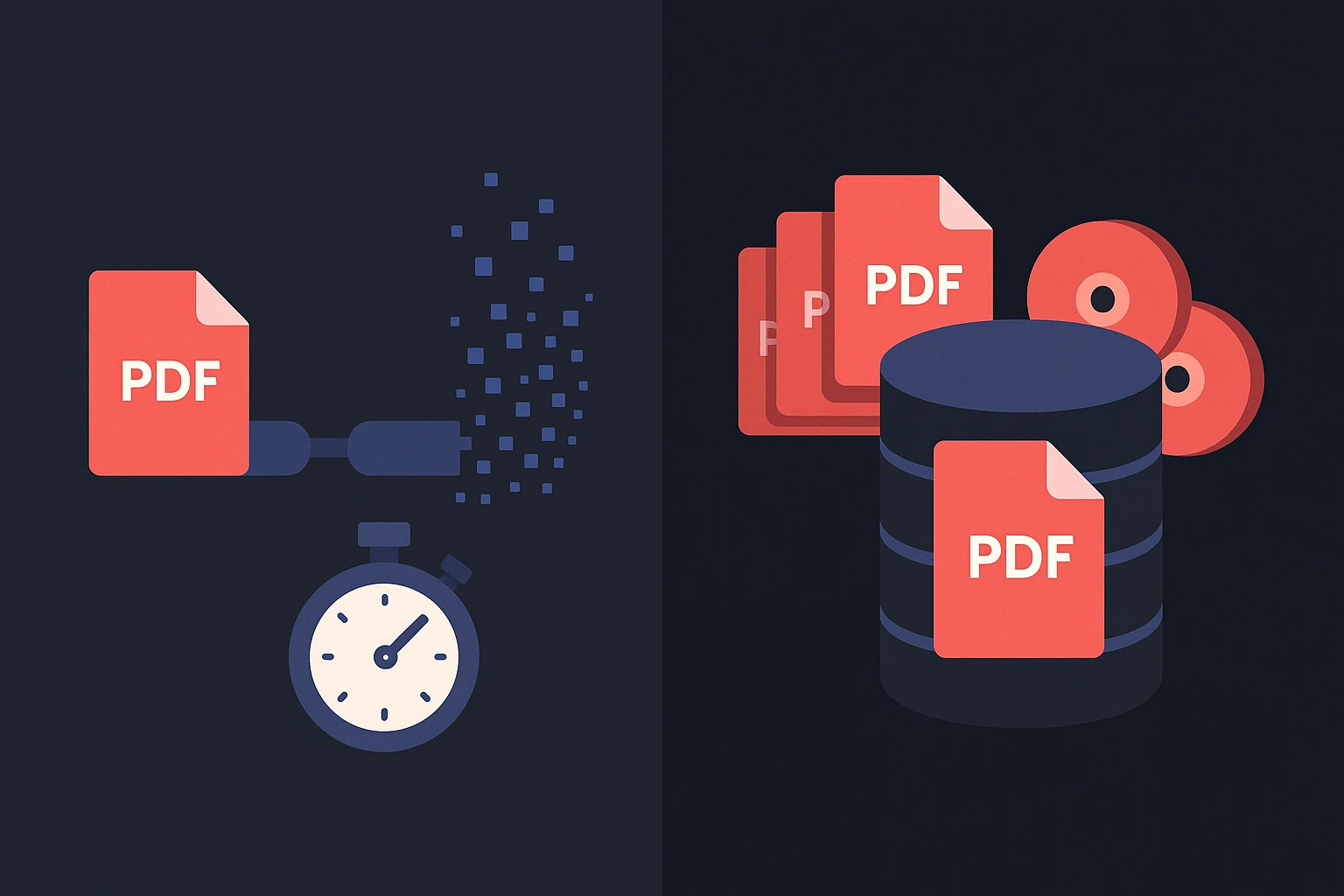
- Delete the source, output, and account data available through the product.
- Send a written request asking what remains in live systems, backups, logs, and subprocessors.
- Change the service password anywhere it was reused; secure the recovery email account first.
- Monitor the bank account and enable transaction notifications.
- Treat calls or emails that mention details from the statement with extra caution. Contact the bank through a known number.
- If credentials or one-time codes were disclosed, contact the bank immediately.
- If client, employee, or regulated data was involved, follow your organization’s incident process and obtain legal or data-protection advice.
Frequently Asked Questions
Is it safe to upload a bank statement to an online converter?
It can be appropriate after a risk check. Verify the operator, encryption, access controls, subprocessors, regions, source and output retention, deletion, and incident process. Prefer a native bank export when it meets the need.
Does the HTTPS padlock make the upload safe?
No. HTTPS protects the connection. It does not prove storage encryption, limited staff access, suitable subprocessors, short retention, or honest operations.
Should a converter need my online-banking login?
No. Converting a PDF that you already downloaded does not require your banking username, password, one-time code, or direct account access.
Is a bank statement “sensitive data” under GDPR?
A statement containing identifiable personal information is personal data. Financial data is not by itself an Article 9 special category, but transaction details can reveal health, religion or other protected information. Assess the content and processing purpose, and protect the statement accordingly.
Does deleting a file remove backups instantly?
Usually not. Ask for the provider’s backup-rotation and deletion process. A clear provider distinguishes deletion from live systems from expiry of backup copies.
Does BankStatementLab keep a failed PDF?
A failed source may be retained for troubleshooting or retry for up to 14 days. Successful sources follow a separate lifecycle and may be retained for up to seven days depending on the workflow. Review the current privacy notice and available deletion settings before uploading.
What does BankStatementLab export?
CSV, XLSX, JSON, and OFX 1.6 SGML for supported current/checking and savings-account workflows. It does not export QBO or QIF and does not connect directly to a bank or accounting platform.
Conclusion
A short source-file retention period is valuable, but it cannot compensate for an unknown operator, weak access controls, unsuitable subprocessors, or poor account security. Judge the complete data path and send only what is necessary.
If BankStatementLab fits your risk assessment and you need a structured working copy, create an account, upload an unlocked PDF, validate the CSV, XLSX, or JSON output, and delete the result when the purpose is complete.
Save hours every week
Turn your bank statements (PDF) into Excel, CSV or OFX, without manual retyping.